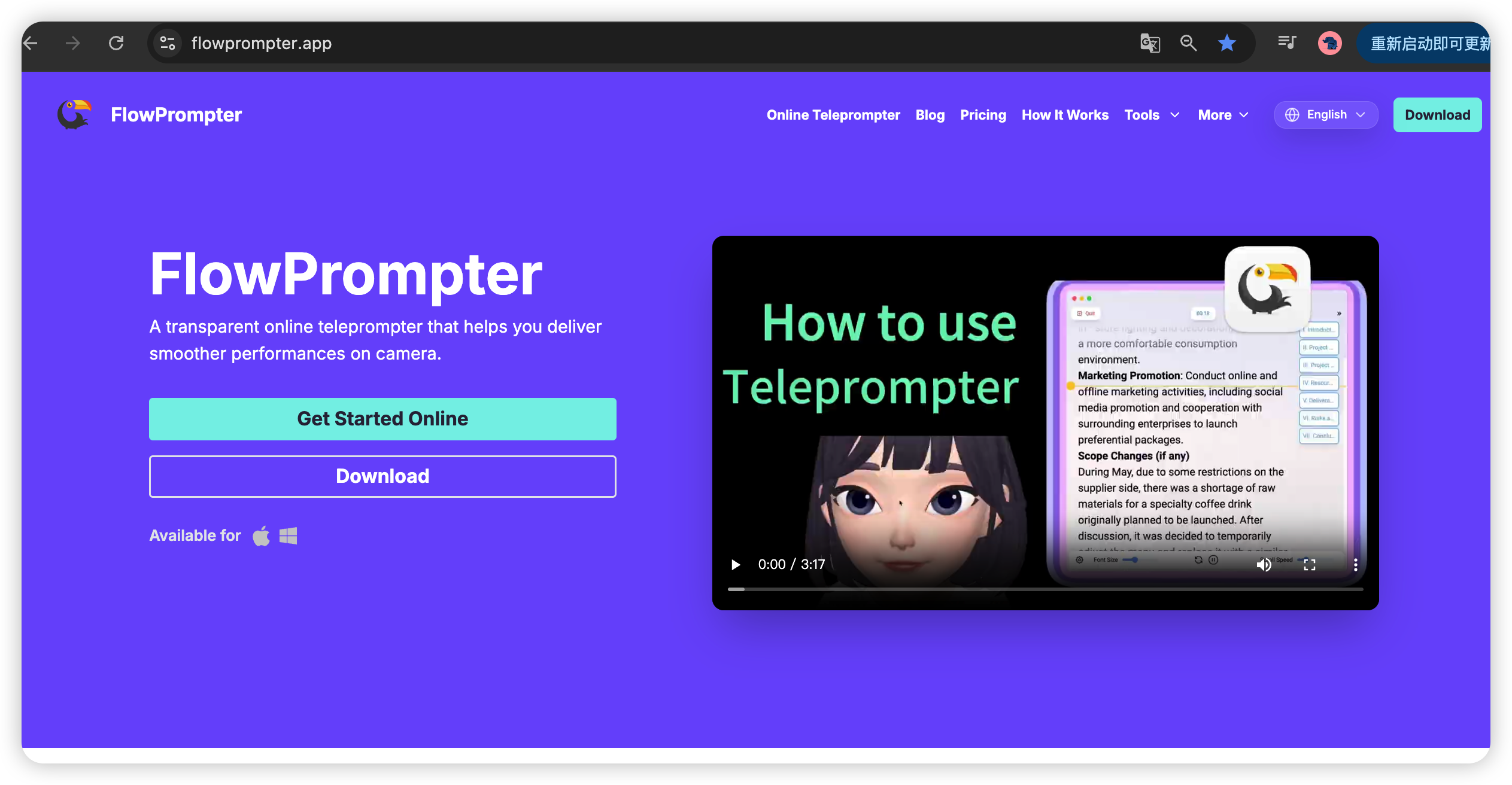
One of the biggest giveaways that someone is reading a script is awkward, unnatural eye contact. Your eyes dart around, your face looks stiff, and viewers can tell something's off. But here's the good news: with the right techniques and a good teleprompter, you can read your script while maintaining genuine, engaging eye contact that makes your videos feel authentic and professional.
In this guide, we'll share proven teleprompter tips used by professional broadcasters, YouTubers, and content creators to master natural eye contact while reading from a prompt.
The Science Behind Natural Eye Contact
Before diving into techniques, let's understand why natural eye contact matters:
Builds Trust
Eye contact is the foundation of trust. When you look directly at the camera lens, you're looking your viewers in the eye. Research shows that consistent eye contact increases credibility and makes your message more persuasive.
Increases Engagement
Viewers are more likely to watch longer and engage with content where the speaker maintains eye contact. It creates a sense of personal connection, as if you're speaking directly to each viewer.
Conveys Confidence
People who maintain steady eye contact appear more confident and knowledgeable about their subject. This is especially important for tutorials, presentations, and educational content.
Teleprompter Setup for Natural Eye Contact
1. Position Your Camera at Eye Level
The golden rule of teleprompting: Place your camera lens at the same height as your eyes. When the camera is positioned correctly, you don't need to look up, down, or sideways to read your script.
Why This Matters
Looking down makes you appear hesitant or nervous
Looking up can seem condescending or detached
Looking sideways breaks the illusion of direct address
Eye-level positioning feels most natural to viewers
How to Do It Right
Use a tripod with adjustable height
Position your chair so your eyes align with the lens
Test with a quick recording before your main take
Adjust slightly based on your natural posture
2. Place Your Teleprompter Directly Behind or Below Your Camera
The key is to minimize the distance between where your eyes naturally fall and where your teleprompter screen is located.
Option A: Directly Behind Camera (Professional Setup)
For the most natural eye contact, use a beam splitter (also known as a teleprompter glass or hood). This reflective surface sits at a 45-degree angle in front of your camera lens, displaying your script from a screen positioned below.
Advantages:
Eyes naturally fall on the camera lens while reading
Most professional-looking setup
No visible teleprompter screen in your shot
How to set up:
Position your camera on a tripod
Place your teleprompter device (laptop, tablet, or phone) directly below the camera
Mount the beam splitter at a 45-degree angle in front of the lens
Enable mirror mode on your teleprompter (this flips the text so it appears correctly when reflected)
Adjust the angle until the text is clearly visible on the glass
Option B: Slightly Below Camera (Budget-Friendly Setup)
If you don't have a beam splitter, position your teleprompter screen just below your camera lens. This is less ideal but still effective with practice.
Advantages:
No additional equipment needed
Works with any device
Easy to set up
Challenges:
Requires more practice to maintain natural eye position
Your eyes will need to glance slightly down periodically
Less professional appearance than beam splitter
Best practices for this setup:
Position the screen as close to the lens as possible without blocking it
Use a smaller device (phone or tablet) to reduce the visual gap
Practice looking at the lens while reading from peripheral vision
Keep your head still and move only your eyes when glancing
Reading Techniques for Natural Eye Contact
3. Use Peripheral Vision
Instead of directly focusing on each word, practice reading using your peripheral vision. Keep your eyes centered on the camera lens and let your peripheral vision pick up the text from the prompter.
How to Practice
Set up your teleprompter as described above
Position your eyes directly at the camera lens
Let your gaze soften so you can see the text in your peripheral vision
Read the text without shifting your focus away from the lens
Record yourself and review to see if your eyes appear to wander
This Takes Time
Don't be discouraged if it doesn't feel natural at first. Peripheral reading is a skill that improves with practice. Most professional broadcasters spent weeks or months mastering this technique.
4. Use Minimal Head Movements
When your eyes do need to move to catch a word, keep your head as still as possible. Large head movements are much more noticeable than subtle eye movements.
Head vs. Eye Movement
Avoid: Nodding up and down, tilting left and right to follow the text
Do: Keep your head relatively still and let your eyes do the work
Viewers are much less likely to notice subtle eye movements than obvious head bobs or tilts.
5. Break Your Script into Short Segments
Long, continuous scripts are harder to read naturally. Break your content into shorter segments (3-5 sentences each) and take brief pauses between segments.
Benefits of Short Segments
Easier to maintain eye contact for shorter periods
Natural pause points allow for breathing and repositioning
Reduces the risk of losing your place
Makes your delivery more conversational and engaging
How to Segment Your Scripts
Organize your script with clear section breaks:
Use paragraph breaks for natural pauses
Mark key transition points (such as "Next," "Now," "Moving on")
Keep each section focused on a single idea
Avoid overly long sentences that are difficult to read at once
6. Practice Your Script Before Recording
Reading from a teleprompter for the first time on camera almost always results in unnatural delivery. Practice your script multiple times before your actual recording session.
Practice Routine
Read through silently to familiarize yourself with the flow
Read aloud to test your pacing and pronunciation
Record a practice take with your teleprompter setup
Review the footage to identify eye contact issues
Adjust your positioning or reading technique as needed
Repeat until you feel comfortable and natural
Teleprompter Settings That Improve Eye Contact
7. Adjust Font Size for Optimal Reading Distance
The right font size makes all the difference. Text that's too small forces you to squint or lean closer; text that's too large requires excessive head movement to read.
Finding the Perfect Size
Aim for a font size that allows you to read 2-3 lines without moving your head. This varies based on:
Distance from camera to teleprompter screen
Your personal vision and reading comfort
Screen size and resolution
Test different sizes and record yourself to find what works best for your setup.
8. Set Appropriate Scrolling Speed
Scrolling speed is critical for natural delivery. Too fast and you'll sound rushed; too slow and you'll have awkward pauses.
How to Find Your Optimal Speed
Start with a moderate speed (around 3-4 on a 10-point scale)
Read a practice section at this speed
Listen to your playback
If you sound rushed, slow down; if there are awkward pauses, speed up
Fine-tune until your delivery feels conversational
Variable Speed During Recording
Some teleprompters (including FlowPrompter) allow you to adjust speed in real-time while recording. This is ideal for:
Slowing down for complex points or emphasis
Speeding up during simpler sections
Adapting to your natural speaking rhythm
[Feature screenshot: Real-time speed control in FlowPrompter]
9. Use Mirror Mode for Beam Splitter Setups
If you're using a beam splitter, mirror mode is essential. This feature flips the text horizontally so it appears correctly when reflected on the glass.
Without Mirror Mode
Text appears backward on the reflective surface, making it impossible to read smoothly. You'll struggle to decode each word, and your eye contact will suffer as you stare at the screen trying to understand.
With Mirror Mode
Text appears normally on the reflected surface. You can read smoothly and naturally without deciphering, allowing you to maintain focus on the camera lens.
[Comparison screenshot: Normal mode vs. mirror mode on beam splitter]
Advanced Techniques for Professionals
10. Use Markers for Key Points
Some advanced teleprompters allow you to highlight or mark important points in your script. Use these to ensure you don't miss critical information while maintaining natural flow.
Types of Markers
Highlighting: Color-coding important sections
Underlining: Emphasizing key phrases or statistics
Notes: Adding sidebar comments for emphasis or timing
11. Practice "Fake" Eye Contact
Even with perfect teleprompter setup, your eyes will occasionally need to move away from the lens. Practice techniques to mask these movements:
Technique 1: The "Glance and Return"
When you need to look down at your script, make the movement quick and purposeful. Glance down, catch your place, and immediately return your gaze to the lens. Avoid lingering on the script.
Technique 2: The "Nod and Look"
Combine a subtle head nod with your eye movement down to the script. The nod draws attention to the gesture rather than your eye movement, making the glance less noticeable.
Technique 3: The "Peripheral Scan"
Scan the script with your peripheral vision rather than looking directly at each word. Keep your eyes centered on the lens while reading from the edges of your vision.
12. Use Facial Expressions Strategically
Natural eye contact isn't just about where your eyes point – it's also about how your face appears. Maintain expressive, engaged facial expressions throughout your recording.
Why Expressions Matter
Keeps viewers engaged and interested
Conveys confidence and enthusiasm
Distracts from any subtle eye movements
Makes your content feel more authentic
Practices to Avoid
Avoid: Frozen expression, forced smiles, or looking bored/detached
Do: Maintain natural expressions that match the tone of your content
Common Mistakes to Avoid
Mistake 1: Staring Too Intensely at the Lens
While eye contact is important, an unblinking, intense stare is unnatural and can make viewers uncomfortable. Aim for natural, occasional blinking and subtle eye movements that don't break connection.
Mistake 2: Reading Too Fast
Rushing through your script makes you appear nervous and your content less digestible. Slow down, pause for emphasis, and let your delivery feel conversational.
Mistake 3: Over-Correcting Eye Position
Constantly adjusting your head or eyes to "fix" your eye contact draws attention to the problem. Minor adjustments are normal; excessive fixing is distracting.
Mistake 4: Neglecting Your Setup Between Takes
After each take, check your positioning. Did you lean forward? Did your eyes drift down? Reset your position before the next take to maintain consistency.
Mistake 5: Using the Wrong Font Style
Fancy or overly stylized fonts are harder to read at a glance. Use clean, simple fonts (sans-serif like Arial, Helvetica, or Roboto) that are easy to scan quickly.
How FlowPrompter Helps You Master Natural Eye Contact
FlowPrompter is designed specifically to help content creators achieve natural, professional eye contact while reading from a teleprompter.
Built-in Mirror Mode
One-click mirror mode flips your text for perfect beam splitter compatibility. No manual adjustments needed – just toggle and go.
[Feature screenshot: Mirror mode toggle in FlowPrompter]
Real-Time Speed Control
Adjust scrolling speed instantly while recording using keyboard shortcuts or on-screen controls. Match your pacing to your natural speaking rhythm.
Responsive Font Sizing
Fine-tune font size from 12px to 120px to find your optimal reading distance. Test different sizes and record yourself to see what works best.
Clean, Readable Interface
FlowPrompter's distraction-free interface keeps your script front and center. No clutter, no confusing menus – just the text you need to read.
Cloud-Based Accessibility
Access your scripts from any device. Practice on your laptop, record on your phone, edit on your tablet – your scripts are always available and synchronized.
Visit flowprompter.app to experience these features and start mastering natural eye contact today.
Practice Makes Perfect
Natural eye contact while reading a teleprompter is a skill that develops with practice. Don't expect perfection on your first try – even professional broadcasters spent months refining their technique.
Your Action Plan
Set up your teleprompter correctly (camera at eye level, screen positioned appropriately)
Practice your script multiple times before recording
Record test takes and review your eye contact
Adjust your technique based on what you observe
Repeat until natural eye contact feels effortless
With the right setup, proper teleprompter settings, and plenty of practice, you'll be delivering natural, engaging content that connects with viewers on a personal level.
Conclusion
Mastering natural eye contact with a teleprompter is about three things: setup, practice, and patience. Position your camera and teleprompter correctly, practice your script repeatedly, and be patient with yourself as you develop this skill.
Remember: viewers connect with authentic, confident speakers. When your eye contact feels natural, your message resonates more powerfully, and your content becomes more engaging and shareable.
Ready to transform your on-camera presence? Try FlowPrompter today at https://flowprompter.app and experience professional-grade teleprompting designed for natural, engaging delivery.