Top 10 Teleprompter Apps of 2026: Essential Tools for Content Creators
In the fast-paced world of content creation, having the right teleprompter app can make all the difference. Whether you're a YouTuber, TikTok creator, educator, or professional broadcaster, a reliable teleprompter app helps you deliver polished, professional content while dramatically reducing recording time.
We've carefully tested and ranked the best teleprompter apps available in 2026, evaluating ease of use, feature sets, platform compatibility, pricing, and overall user experience. Here's our complete guide to the top options.
1. FlowPrompter - The AI-Powered Game Changer
🏆 Our #1 Pick for 2026
FlowPrompter has emerged as the undisputed leader in the teleprompter market, and it's easy to see why. This innovative teleprompter app combines cutting-edge AI technology with an intuitive interface, making it the preferred choice for serious content creators in 2026.
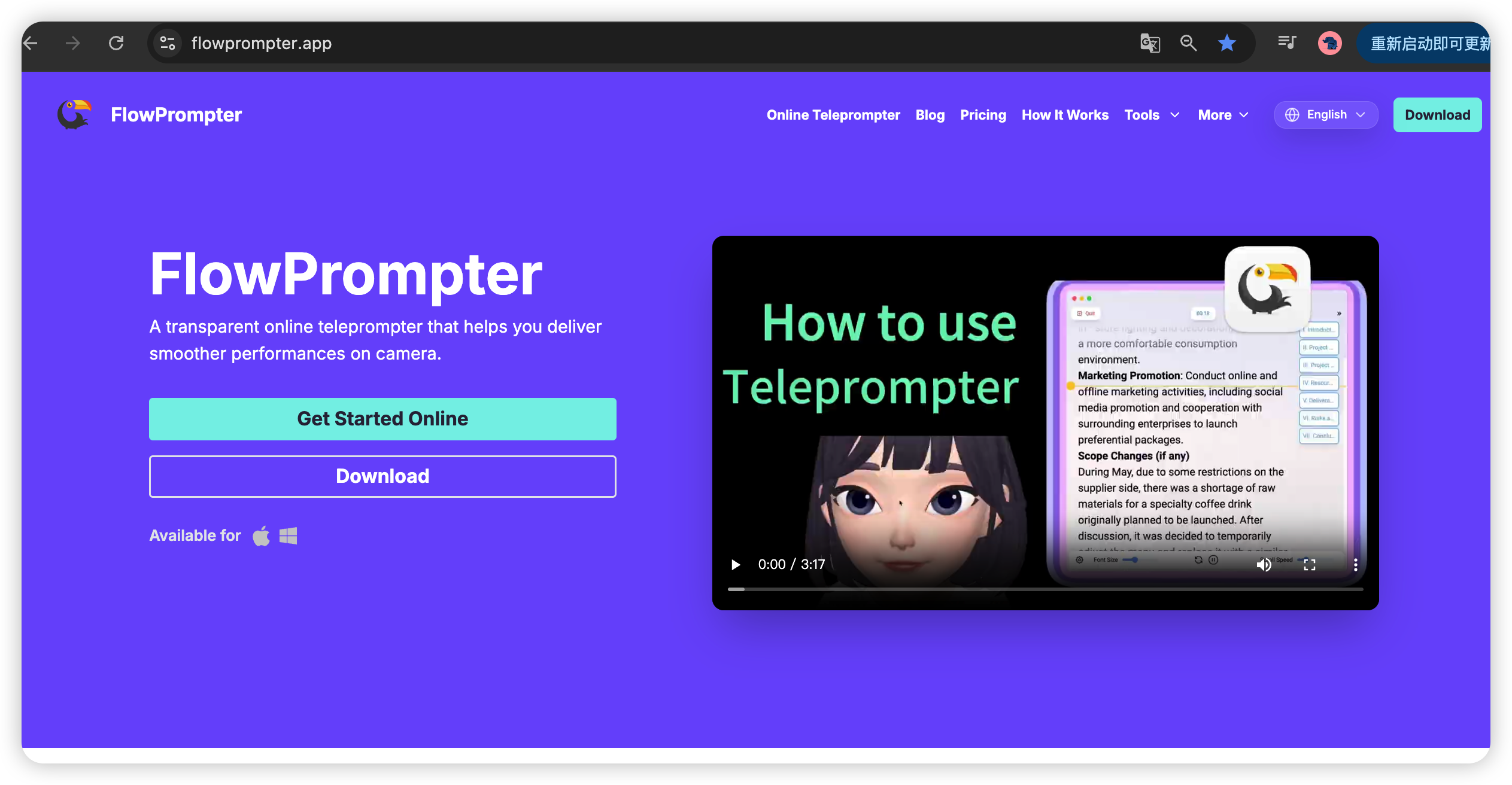
What Makes FlowPrompter Stand Out
Unlike traditional teleprompter apps that rely on fixed scrolling speeds, FlowPrompter's AI-powered system learns and adapts to your natural speaking rhythm. The more you use this teleprompter, the better it gets at anticipating your pauses, speeding up when you're in the zone, and slowing down when you need more time.

Key Features
AI-Driven Speed Adjustment - Automatically adapts to your natural speaking pace
Mirror Mode Support - Perfect for professional teleprompter hardware
Real-Time Script Editing - Make changes on the fly during recording
Cloud Sync - Access your scripts from any device, anywhere
Multi-Format Import - Support for PDF, Word, TXT, and Google Docs
Customizable Appearance - Adjust fonts, colors, and background
Why FlowPrompter Wins
What truly sets FlowPrompter apart is its seamless user experience. The teleprompter app feels natural and intuitive from the moment you open it. There's no steep learning curve—you can start creating professional-quality videos within minutes.
The AI speed adjustment is genuinely revolutionary. No more constantly tapping buttons to speed up or slow down the scroll. FlowPrompter reads your cues and responds accordingly, letting you focus entirely on your delivery rather than controlling the teleprompter.
Pricing: Generous free tier with 5 scripts. Premium at $9.99/month or $79.99/year (excellent value compared to other teleprompter apps).
Best For: Serious content creators, YouTubers, educators, and anyone who values a professional, intelligent teleprompting experience.
Try It: Visit FlowPrompter.app to start creating better videos today.
2. PromptSmart Pro - Voice Control Pioneer
Best for: Natural Speech Control
PromptSmart revolutionized teleprompting with their patented VoiceTrack™ technology, and their 2026 version is more refined than ever. The teleprompter app uses advanced voice recognition to follow your speech automatically, pausing when you stop and speeding up when you rush.
Key Features
VoiceTrack™ technology for hands-free control
10-band equalizer for background noise filtering
Customizable fonts, colors, and backgrounds
Bluetooth remote compatibility
Offline mode for recording without internet
Pricing: $19.99 one-time purchase on iOS/Android.
Best For: Presenters, educators, and anyone who prefers natural speech control in a teleprompter app.
3. BigVu - All-in-One Video Studio
Best for: Social Media Creators
BigVu isn't just a teleprompter—it's a complete video creation suite. The teleprompter app integrates teleprompting with video editing, captioning, and social media scheduling, making it a favorite among social media managers and content creators.
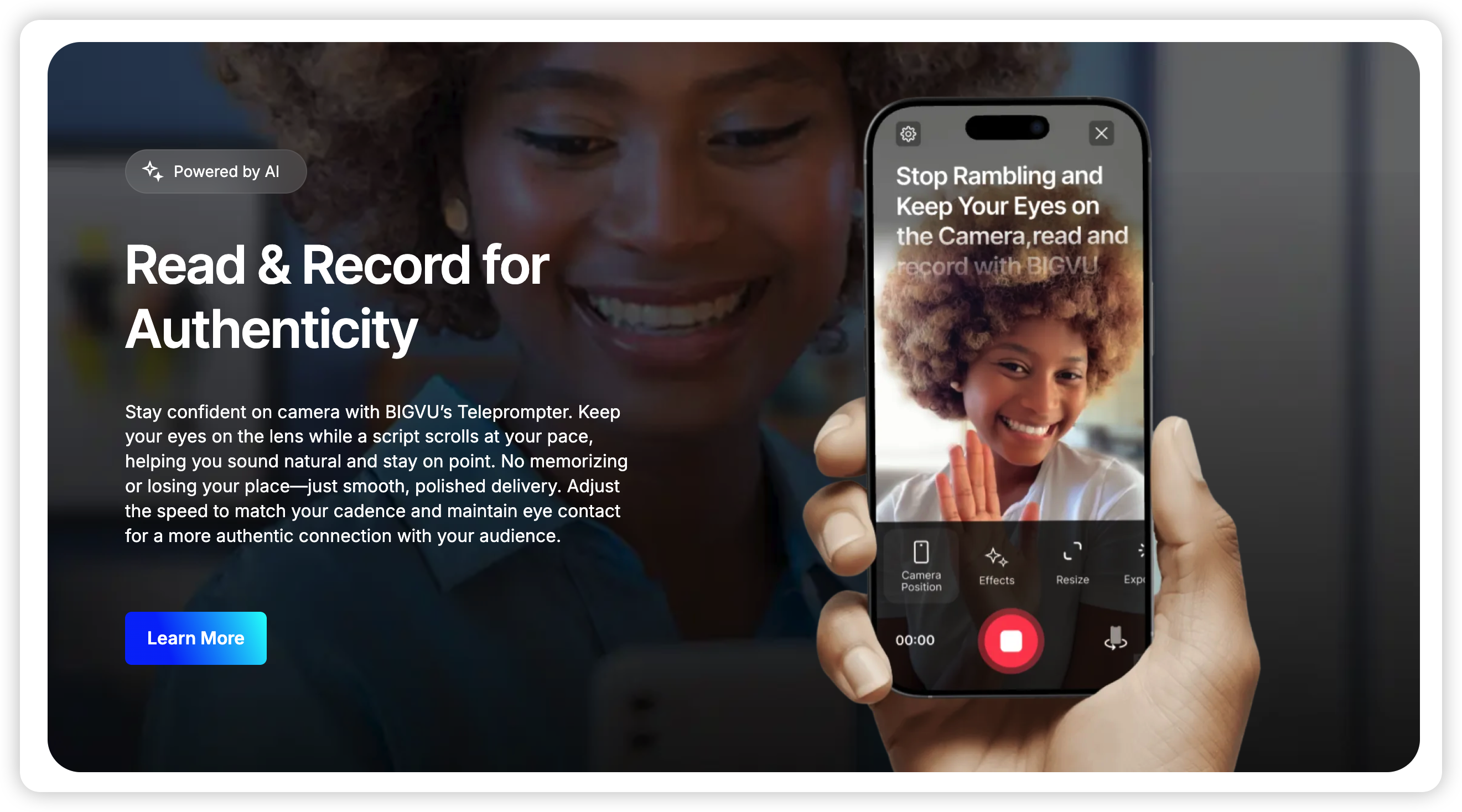
Key Features
Built-in video editor with trim, crop, and filters
Automatic closed captioning in 30+ languages
Adjustable speed scrolling and mirror mode
Social media scheduling (YouTube, TikTok, Instagram)
Brand kit with custom logos and overlays
Pricing: Free with watermarks. Pro at $9.99/month.
Best For: Social media creators who need an all-in-one teleprompter solution.
4. Teleprompter Pro - Broadcast Industry Standard
Best for: Professional Broadcasters
Teleprompter Pro has been the industry standard for broadcasters for years. Their 2026 release adds support for 8K recording and advanced collaborative features, making it the go-to teleprompter choice for news anchors and professional studios.
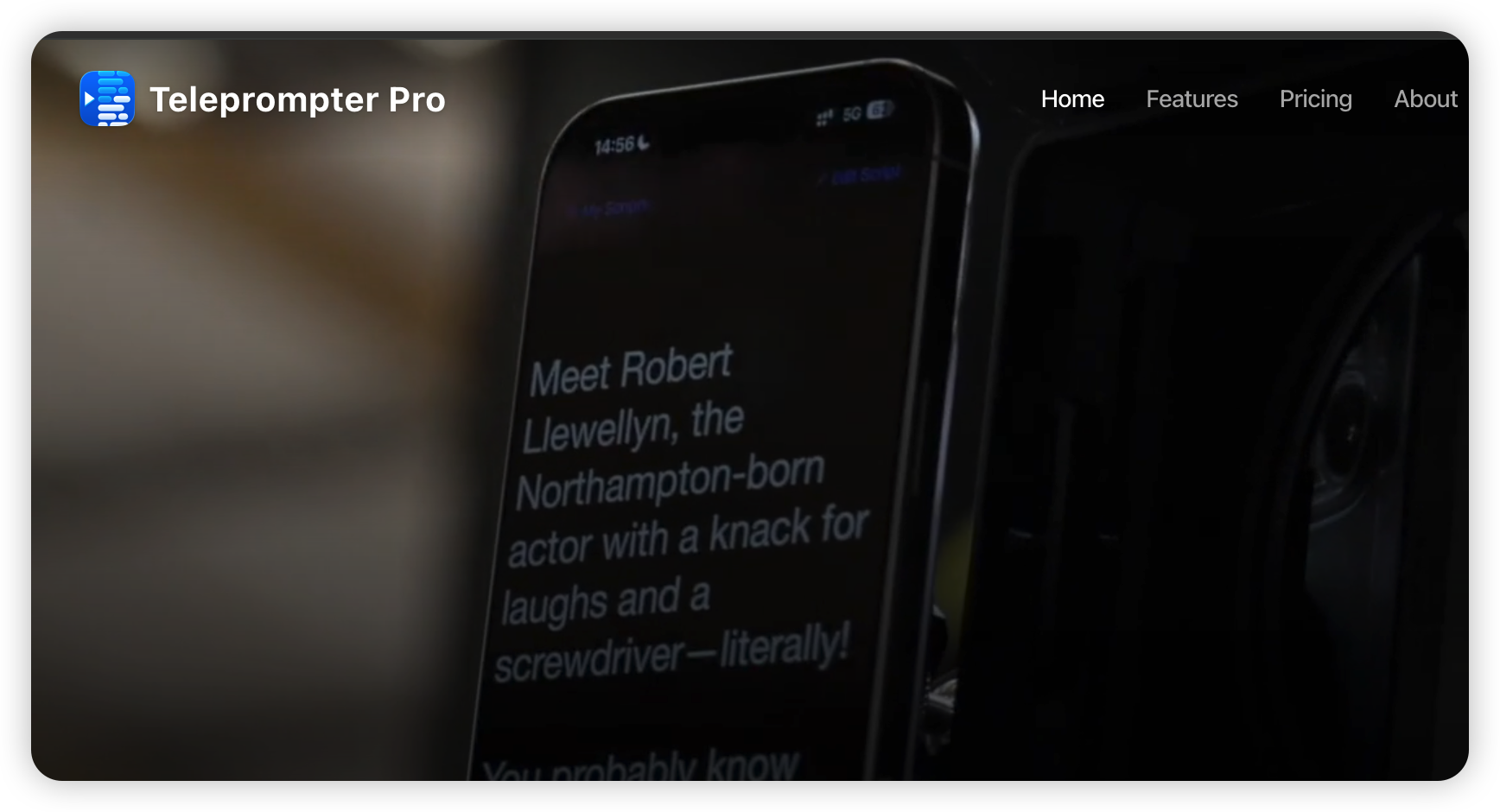
Key Features
Real-time collaboration with multiple team members
Script version history and rollback
Customizable cue markers and highlights
Hardware teleprompter integration
8K video recording support
Pricing: $29.99/month or $299.99/year.
Best For: Professional broadcasters and production teams needing a robust teleprompter.
5. Parrot Teleprompter - Budget Champion
Best for: Beginners on a Budget
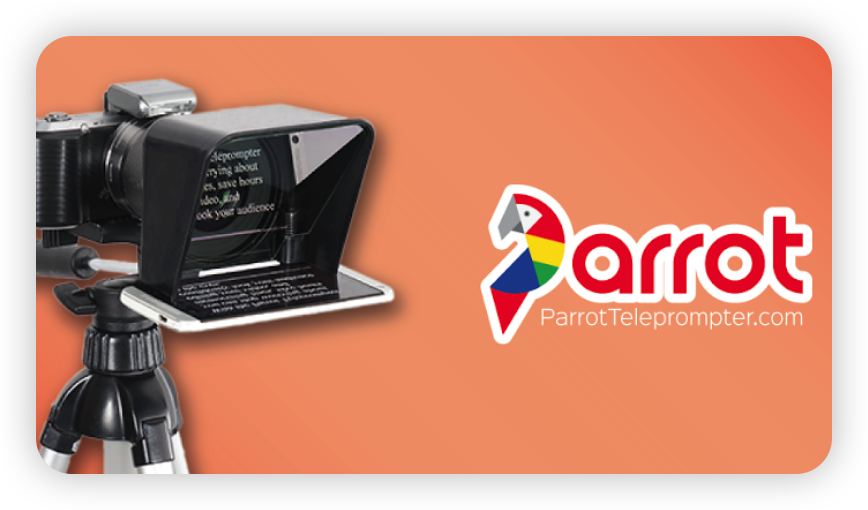
Parrot Teleprompter delivers surprising value at an unbeatable price. The 2026 version maintains its simplicity while adding dark mode and improved script organization. Perfect for content creators just starting out with teleprompters.
Key Features
Clean, distraction-free interface
Adjustable scrolling speed and font size
Dark mode for low-light recording
Script folders for organization
Export scripts as PDF or TXT
Pricing: $4.99 one-time purchase.
Best For: Beginners and casual creators looking for an affordable teleprompter.
6. Selvi Teleprompter - Multilingual Expert
Best for: International Content Creators
Selvi excels at handling scripts in multiple languages with proper text direction and formatting. The 2026 update adds support for RTL (right-to-left) languages and improved font rendering in this teleprompter app.
Key Features
Support for 50+ languages including RTL
Custom fonts per language
Speed presets for different speaking rates
Gesture control for playback
Recording with front and back camera
Pricing: Free with ads. Premium at $6.99/month.
Best For: International content creators and multilingual speakers needing teleprompting.
7. VEED.io - Browser-Based Powerhouse
Best for: Web-Based Workflow
VEED.io brings teleprompting to the browser, eliminating the need for app installation. Their 2026 release adds real-time AI transcription and auto-captioning during recording, making it a unique teleprompter solution.
Key Features
100% web-based—no downloads required
Real-time AI transcription and captions
Direct recording to cloud storage
Collaborative editing with team members
Integration with VEED's video editing suite
Pricing: Free with 30-min limit. Pro at $12/month.
Best For: Quick recordings and users who prefer web-based teleprompter tools.
8. CapCut Teleprompter - TikTok Favorite
Best for: TikTok & Vertical Video
CapCut, owned by ByteDance, has integrated a powerful teleprompter into their popular video editing app. It's optimized for vertical video and social media content creation, making it a top teleprompter choice for TikTok creators.
Key Features
Seamless integration with CapCut video editor
TikTok-optimized aspect ratios (9:16)
Trending templates and effects library
Music and sound effects built-in
Direct sharing to TikTok, Instagram, YouTube
Pricing: Free with ads. Pro at $9.99/month.
Best For: TikTok creators and social media influencers using teleprompters.
9. Prompter Dog - Live Streaming Specialist
Best for: Live Broadcasting
Prompter Dog specializes in live streaming teleprompting, with OBS integration and real-time script updates. The 2026 version adds support for multiple simultaneous scripts and dynamic speed adjustment in this specialized teleprompter app.
Key Features
OBS Studio integration for live streaming
Real-time script updates during broadcast
Multiple script support (notes, main script, ad reads)
Remote control from second device
Low-latency performance
Pricing: $14.99/month or $149.99/year.
Best For: Live streamers, news anchors, and broadcasters needing teleprompting.
10. Teleprompter & Video Recorder by Joe Allen - Minimalist Choice
Best for: Simple, No-Frills Teleprompting
Sometimes you just want a simple, reliable teleprompter that works. This app delivers exactly that—a no-frills experience focused on core teleprompting functionality without any complexity.
Key Features
Ultra-simple interface
Quick script loading via copy-paste or file import
Adjustable speed and font size
Recorded video saved directly to device
No account or subscription required
Pricing: $2.99 one-time purchase.
Best For: Users who want simplicity and reliability in a teleprompter app over advanced features.
How to Choose the Right Teleprompter App
With so many excellent teleprompter apps available in 2026, consider these factors when making your decision:
Your Use Case: Are you creating YouTube videos, TikTok content, or professional presentations?
Platform Preference: Do you prefer iOS, Android, or web-based teleprompter solutions?
Budget: Are you looking for a one-time purchase or willing to pay a monthly subscription for a teleprompter app?
Integration Needs: Do you need video editing, live streaming, or social media scheduling with your teleprompter?
Collaboration: Will you be working with a team or flying solo on teleprompting projects?
Final Verdict
The teleprompter app market has matured significantly in 2026, with options available for every use case and budget. However, FlowPrompter stands out as our top pick for its revolutionary AI-powered features, intuitive interface, and exceptional value among teleprompter apps.
What truly sets FlowPrompter apart is its ability to make you forget you're using a teleprompter. The AI technology responds so naturally to your speech that it feels like having a human cue card operator—except one that never misses a beat.
Whether you're a professional broadcaster or just starting your YouTube journey, investing in a quality teleprompter app will save you time, reduce retakes, and help you deliver more confident, polished content.
Ready to elevate your content creation? Check out FlowPrompter.app and experience the future of teleprompting today.