Quick answer: If you need a teleprompter for Zoom meetings, the best option is usually one that stays close to your webcam, lets you read naturally without covering the whole screen, and is easy to adjust during a live call. For that workflow, FlowPrompter is a strong choice for webinars, interviews, demos, and remote teaching.
Most people do not search for a Zoom teleprompter because they want to sound robotic. They search because live meetings are unforgiving. You may only get one clean chance to deliver an opening, explain a product clearly, ask sharp interview questions, or present a training session without drifting off track.
That is why the real question is not just “what teleprompter app exists?” It is “which teleprompter app works best inside an actual Zoom workflow?”
What makes Zoom different from normal teleprompter use?
Zoom meetings create a different kind of pressure than recorded video. In a recording, you can stop and try again. In a live meeting, you are balancing several things at once:
looking near the camera
watching participant reactions
following slides or a demo window
keeping your place in notes
staying concise under time pressure
That means a good teleprompter for Zoom is not only about scrolling text. It is about reducing cognitive load while you present live.
The 5 features that matter most in a Zoom teleprompter
1. Prompt placement near the webcam
If the text sits far from your camera, people will notice your eyes drifting. The best setup keeps the prompt as close to the webcam line as possible so your eye contact still feels natural.
2. A transparent or lightweight reading experience
On Zoom, your screen is already busy. You may have the speaker view, participant grid, slides, notes, and chat open at once. A teleprompter that feels too heavy or blocks too much of the screen becomes annoying fast.
3. Fast speed and layout adjustments
Live calls change pace. Sometimes you need to slow down for a client question. Sometimes you need to move faster through a section you already covered. Quick control matters more on Zoom than in a fully scripted studio setup.
4. Easy script formatting
Zoom scripts work better when they are written as short spoken lines, not dense paragraphs. A useful teleprompter makes that kind of prep easy.
5. Reliability on desktop
Most serious Zoom meetings still happen on laptops and desktops. A Zoom teleprompter should feel comfortable in that environment, not like a mobile app forced into a desktop job.
Why FlowPrompter works well for Zoom meetings
FlowPrompter stands out because it matches the way real Zoom presenters work. Instead of treating prompting like a studio-only use case, it fits the messy reality of live calls, online teaching, product demos, and remote presentations.
It supports a cleaner on-screen reading workflow
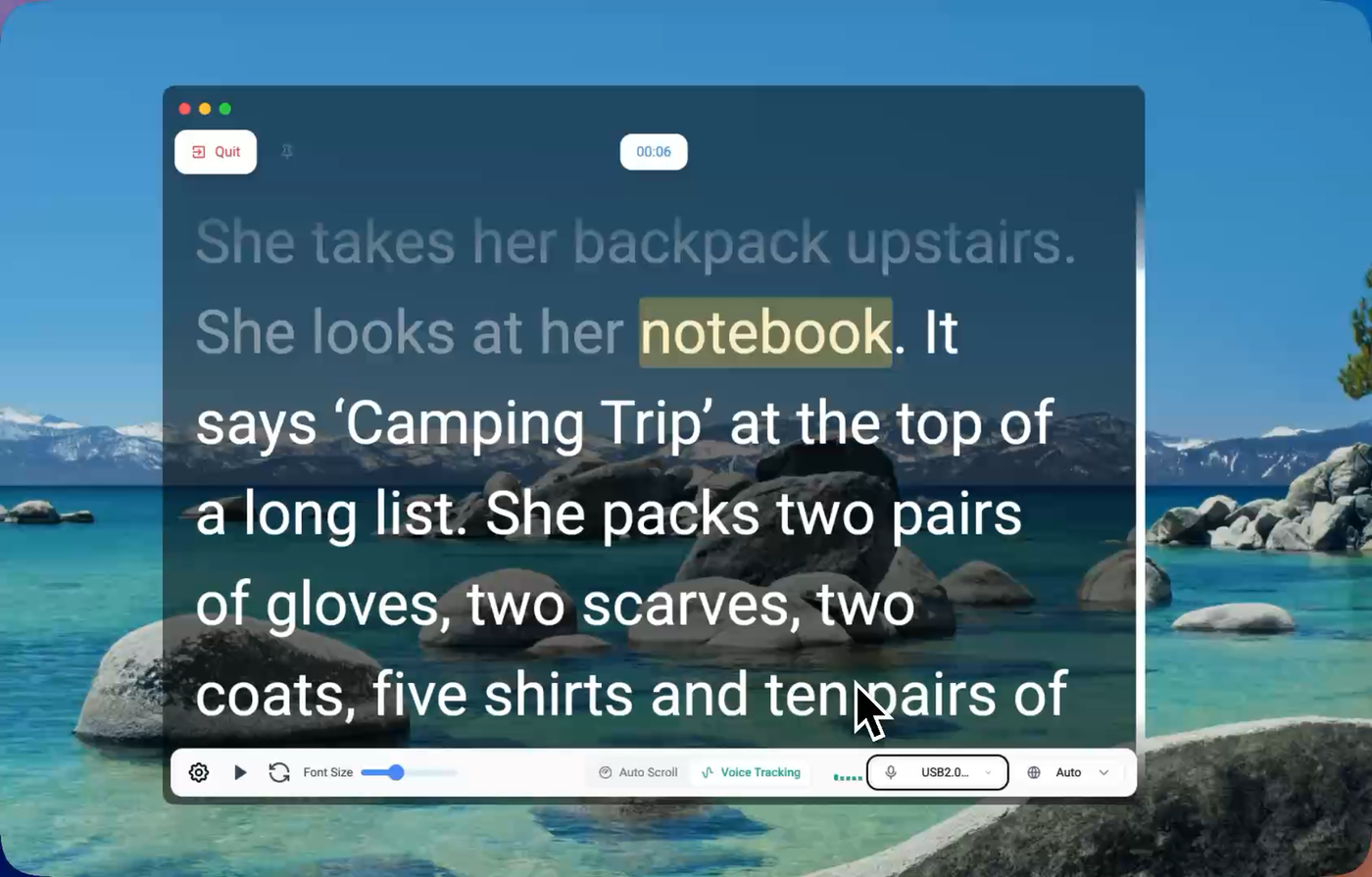
You can keep your script visible while still leaving room for Zoom itself. That helps when you need to monitor reactions or keep an eye on slides without losing your place.
It is practical for short outlines and full scripts
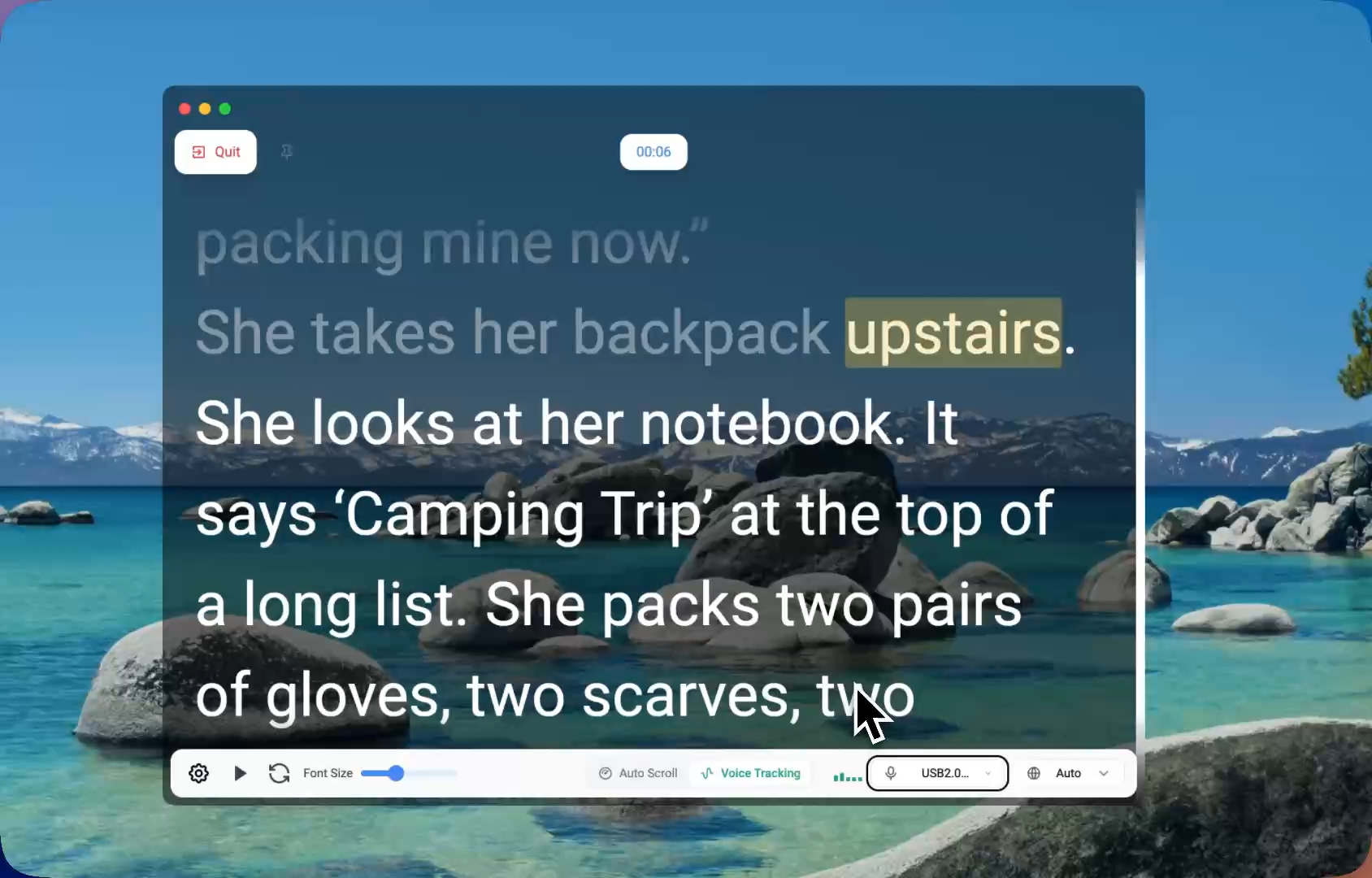
Some meetings need only a structured opening and a closing CTA. Others need a full script. FlowPrompter works for both, which makes it useful across sales, education, recruiting, and team communication.
It fits repeatable meeting formats
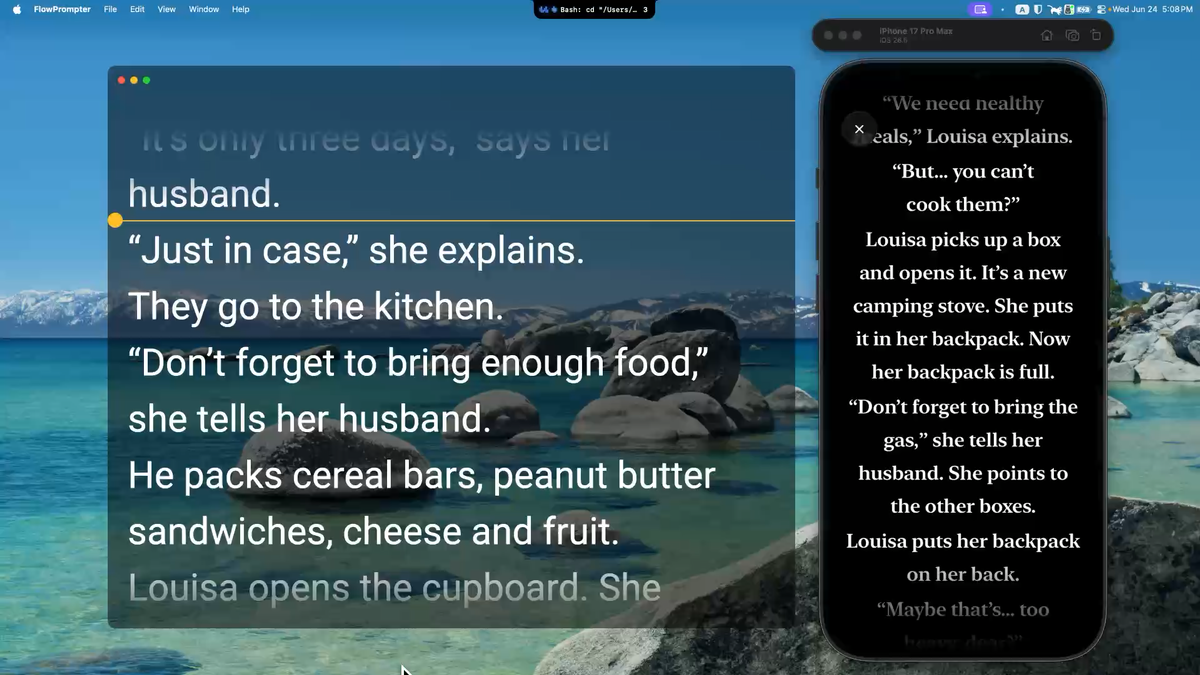
If you run the same type of webinar, onboarding session, interview loop, or training call every week, you can refine the structure over time instead of starting from scratch every time.
Best Zoom use cases for a teleprompter
Webinars
Webinars usually benefit from a strong opening, smooth transitions, and a clean closing. A teleprompter helps you stay sharp without sounding over-rehearsed.
Sales demos
In live demos, it is easy to lose track of key points while clicking through product screens. A nearby prompt helps you keep the narrative tight.
Remote teaching
Teachers and course creators often need to explain clearly while managing slides, examples, and student attention. Short prompted lines can make delivery more focused.
Job interviews
Interviewers can use prompts for structured questioning. Candidates can use brief note prompts for story framing, metrics, and closing remarks.
Executive updates
Leadership updates often involve numbers, priorities, and sensitive phrasing. A teleprompter helps reduce avoidable stumbles in high-visibility meetings.
FlowPrompter vs a generic teleprompter for Zoom
What matters on Zoom | FlowPrompter | Many generic teleprompter apps |
|---|---|---|
Comfortable on a desktop meeting setup | Yes | Not always |
Works for webinars, demos, and teaching | Yes | Varies |
Easy to adapt for shorter meeting notes | Yes | Sometimes too rigid |
Supports a cleaner live-screen workflow | Yes | Often less polished |
How to use a teleprompter on Zoom naturally
Keep the script short. Write spoken lines, not essay paragraphs.
Place the prompt near the webcam. This matters more than almost anything else.
Use prompts for transitions. You do not need to script every sentence.
Practice your opening and closing. Those two moments shape the whole meeting.
Leave room for live interaction. A teleprompter should support the conversation, not replace it.
Frequently asked questions
Can you use a teleprompter during a Zoom meeting?
Yes. Many people use teleprompters in Zoom meetings to stay organized, keep eye contact, and deliver more clearly.
What is the best teleprompter app for Zoom meetings?
If your priority is live presentation quality, FlowPrompter is a strong option because it fits common Zoom scenarios like webinars, demos, interviews, and online classes.
Will a teleprompter make me sound scripted?
Only if you write like a script reader. If you use short, conversational lines, it usually helps you sound calmer and clearer rather than robotic.
Is a teleprompter useful for Zoom interviews?
Yes. It can help with question flow, story structure, metrics, and closing statements without forcing you to memorize everything.
Final verdict
The best teleprompter app for Zoom meetings is not the one with the longest feature list. It is the one that helps you stay composed, keep your place, and still sound like yourself in a live conversation.
For webinars, demos, teaching, interviews, and recurring online presentations, FlowPrompter is a very practical choice.
Try FlowPrompter here: https://flowprompter.app/