Creating engaging YouTube content requires consistency, authenticity, and professional delivery. Whether you're a seasoned YouTuber or just starting your channel, having the right teleprompter app can dramatically improve your video quality while reducing recording time and retakes.
In this comprehensive guide, we've tested and ranked the top teleprompter apps specifically for YouTube creators in 2026, considering factors like ease of use, YouTube-specific features, cross-platform compatibility, and overall value for content production.
1. FlowPrompter - Best for Authentic YouTube Videos
🏆 Our Top Pick for YouTube Creators
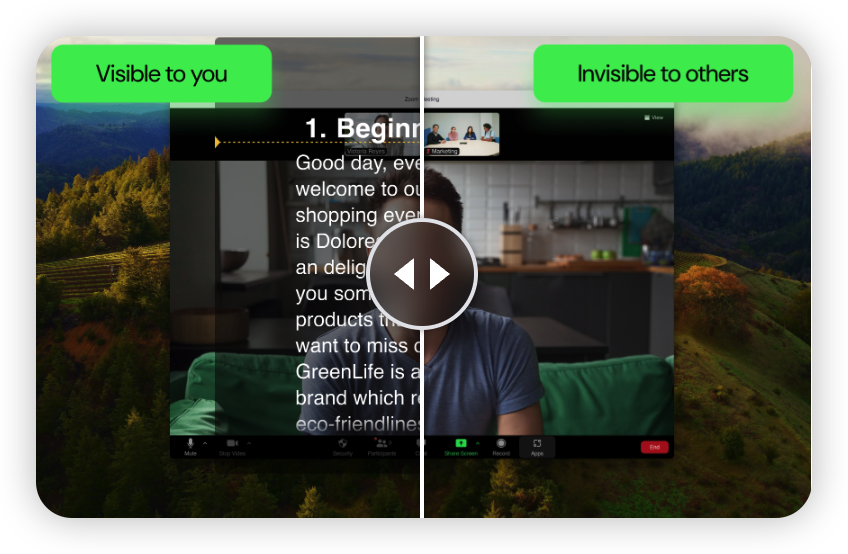
FlowPrompter has revolutionized how YouTubers record videos by introducing an innovative transparent teleprompter that stays invisible to your audience. This means you can maintain perfect eye contact while reading your script without viewers ever knowing you're using a teleprompter.
Why FlowPrompter is Perfect for YouTube
The key advantage for YouTube creators is the invisible window mode. Unlike traditional teleprompters that overlay on your screen, FlowPrompter's transparent interface means:
No visible text in recordings: Your YouTube videos look completely natural
Perfect eye contact: Maintain connection with your audience
Screen sharing friendly: Great for tutorials and live streams
Key Features for YouTube Creators
AI-Driven Speed Adjustment: Automatically adapts to your natural speaking rhythm
Outline Switching: Jump to specific sections instantly for longer scripts
Multi-Platform: Works on Windows, macOS, iOS, Android, and Web
Cloud Sync: Access your scripts from any device
Real-Time Editing: Make changes to your script while recording

Pricing: Free tier includes 5 script slots. Premium at $9.99/month or $79.99/year.
Best for: Face-to-camera YouTube videos, tutorials, vlogs, and any content where authenticity matters.
Try it: FlowPrompter.app
2. PromptSmart Pro - Best for Voice Control
PromptSmart pioneered voice-recognition teleprompting with their patented VoiceTrack™ technology. For YouTube creators who prefer hands-free operation, this app automatically follows your speech, pausing when you stop and speeding up when you rush.
Key Features
VoiceTrack™ technology for hands-free control
10-band equalizer for background noise filtering
Customizable fonts, colors, and backgrounds
Bluetooth remote compatibility
Offline mode for recording without internet
Pricing: $19.99 one-time purchase on iOS/Android.
Best for: Longer YouTube videos and scripted presentations.
3. BIGVU - Best All-in-One YouTube Studio
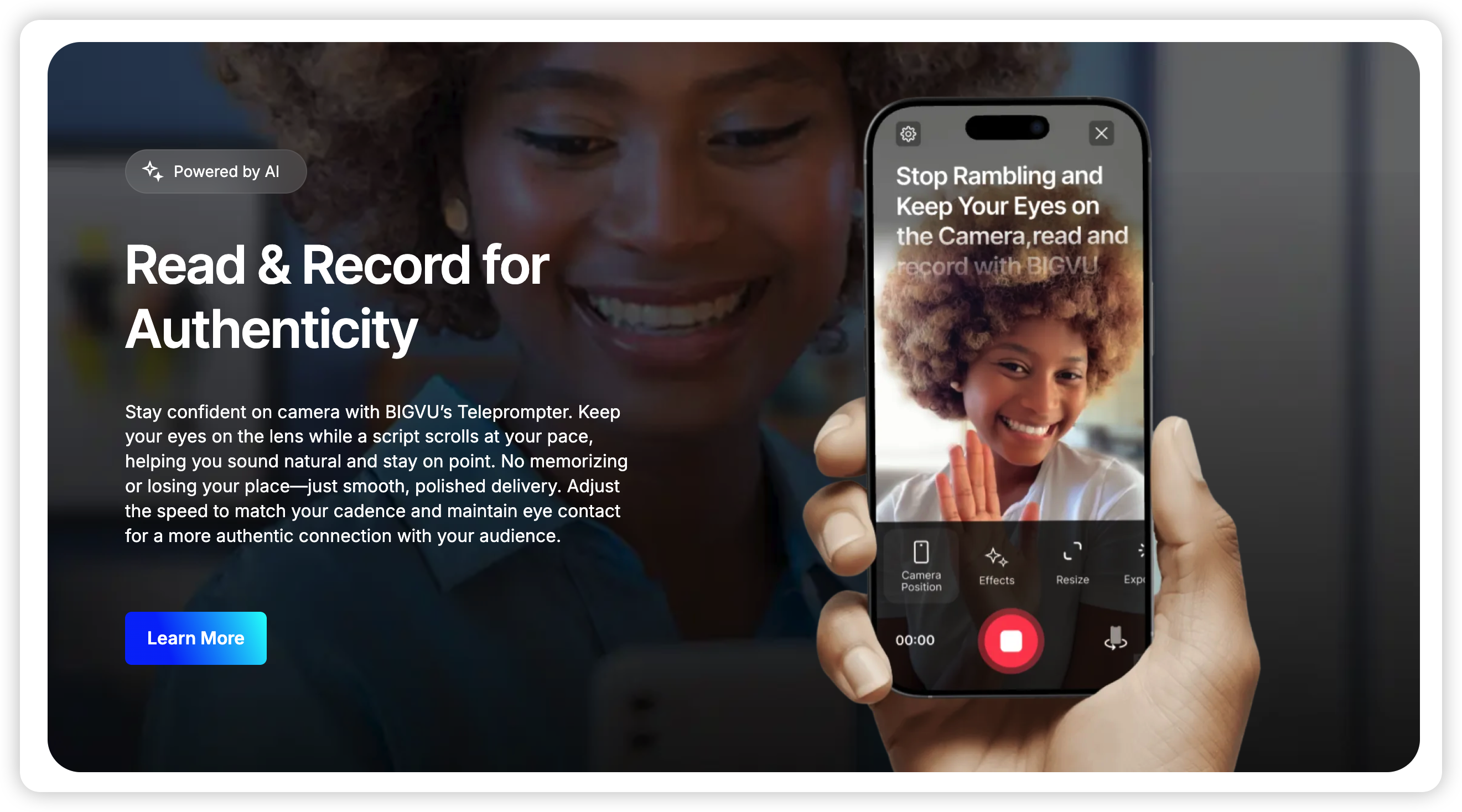
BIGVU combines teleprompter functionality with video editing, automatic captions, and social media publishing—perfect for YouTube creators who want an all-in-one solution.
Key Features
Built-in video editor with trim, crop, and filters
Automatic closed captioning in 30+ languages
Teleprompter with adjustable speed
Direct publishing to YouTube and other platforms
Brand kit with custom logos and overlays
Pricing: Free with watermarks. Pro at $9.99/month.
Best for: Creators who want to script, record, edit, and publish in one app.
4. Parrot Teleprompter - Best Budget Option
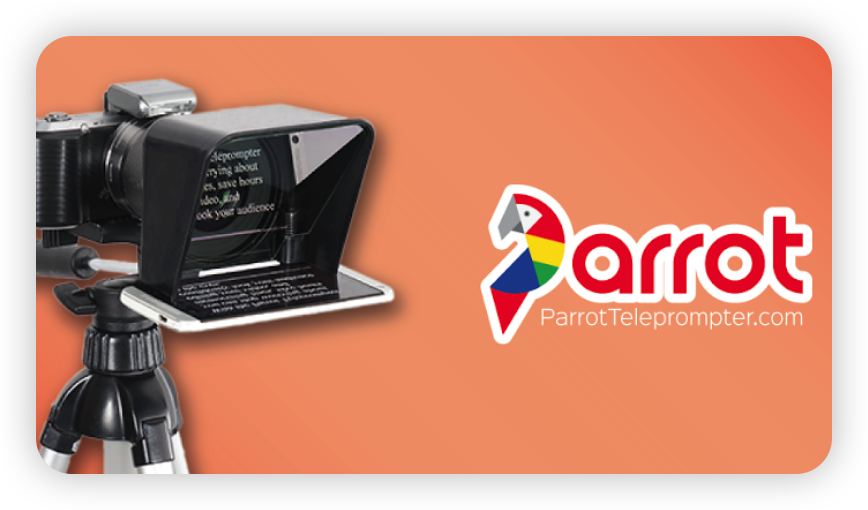
Parrot Teleprompter delivers surprising value at an unbeatable price, making it perfect for YouTube creators just starting out.
Key Features
Clean, distraction-free interface
Adjustable scrolling speed and font size
Dark mode for low-light recording
Script folders for organization
Export scripts as PDF or TXT
Pricing: $4.99 one-time purchase.
Best for: Beginner YouTube creators on a budget.
5. Beast Teleprompter - Best for Live Streaming
Beast Teleprompter specializes in AI-powered follow reading with floating prompt mode, making it ideal for YouTube live streams and tutorials.
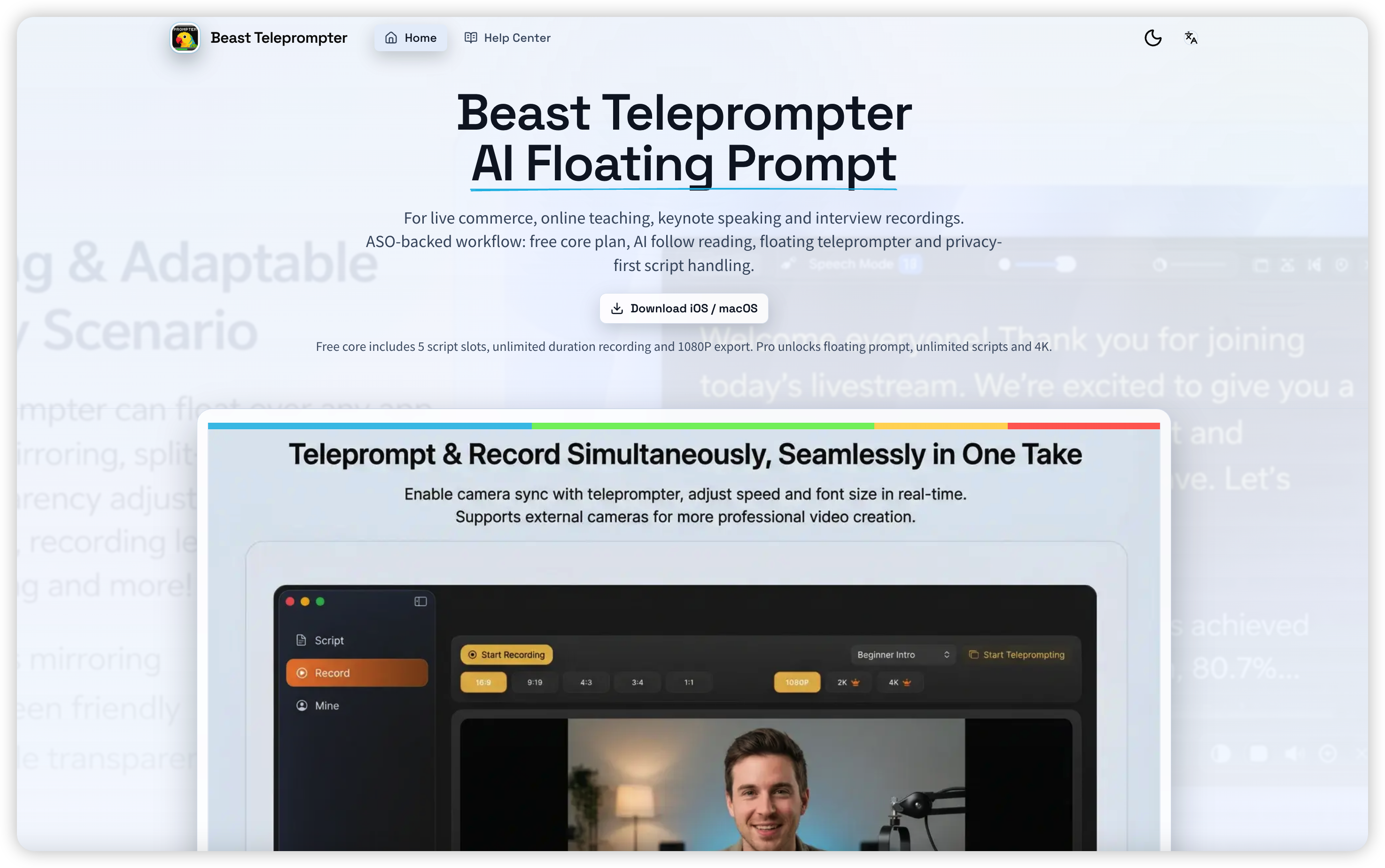
Key Features
AI follow reading with smooth line tracking
Invisible prompt mode
Multi-platform support (iOS, macOS, Web)
Flexible display controls
Pricing: Free core with 5 script slots. Pro unlocks unlimited scripts and 4K.
Best for: YouTube live streaming and long-form tutorials.
Comparison Table
App | Invisible Mode | AI Features | Platform | Best For |
|---|---|---|---|---|
FlowPrompter | ✅ Yes | ✅Speed Adjustment | Win/Mac/iOS/Android/Web | Authentic Videos、Youtuber |
PromptSmart Pro | ❌ No | ✅ VoiceTrack™ | iOS/Android | Voice Control |
BIGVU | ❌ No | ✅ AI Scripting | iOS/Android/Web | All-in-One |
Parrot | ❌ No | ❌ No | iOS/Android | Budget |
Beast | ✅ Yes | ✅ AI Follow Reading | iOS/macOS/Web | Live Streaming、Youtuber |
How to Choose the Right Teleprompter for YouTube
Consider these factors when selecting a teleprompter for your YouTube content:
1. Your Content Type
Vlogs/Face-to-camera: FlowPrompter (invisible mode)
Tutorials: FlowPrompter or BIGVU
Live Streams: Beast Teleprompter
Long-form videos: PromptSmart Pro
2. Platform Preference
Desktop recording: FlowPrompter (Windows/macOS)
Mobile recording: Beast or PromptSmart
Multi-device: FlowPrompter
3. Budget
Free tier: FlowPrompter or Beast
One-time purchase: Parrot or PromptSmart
Monthly subscription: FlowPrompter or BIGVU
4. Workflow Integration
Editing included: BIGVU
Auto captions: BIGVU
Direct YouTube publishing: BIGVU
Tips for Using a Teleprompter on YouTube
1. Practice Natural Delivery
Spend time practicing with your teleprompter before recording. The goal is to sound natural, not like you're reading from a script. Use conversational language and pauses for emphasis.
2. Adjust Scroll Speed
Set the scroll speed to match your natural speaking pace. If you find yourself rushing, slow it down. If you're waiting for text, speed it up.
3. Use Markers or Chapter Breaks
For longer videos, break your script into sections with clear markers. This makes it easier to jump to specific parts if you need to re-record a segment.
4. Maintain Eye Contact
Place your camera slightly above the teleprompter text. This helps maintain eye contact with your audience while still being able to read clearly.
5. Test Your Setup
Before recording your full video, do a quick test to ensure the teleprompter text doesn't show up in your recording, especially if you're using a traditional overlay teleprompter.
Final Verdict
After extensive testing and evaluation, FlowPrompter stands out as the best teleprompter for YouTube videos in 2026, particularly for creators who value authenticity and professional presentation.
The revolutionary invisible window mode means your YouTube videos will look completely natural, with no visible text or overlays. Combined with AI-driven speed adjustment and seamless multi-platform support, FlowPrompter offers the perfect balance of professional features and ease of use.
Whether you're creating vlogs, tutorials, reviews, or any other YouTube content, investing in a quality teleprompter app will save you time, reduce retakes, and help you deliver more confident, polished videos that your audience will love.
Ready to elevate your YouTube content? Check out FlowPrompter.app and start creating professional videos today.