BIGVU Alternative Desktop App: Why Creators Are Switching to a Native PC Experience
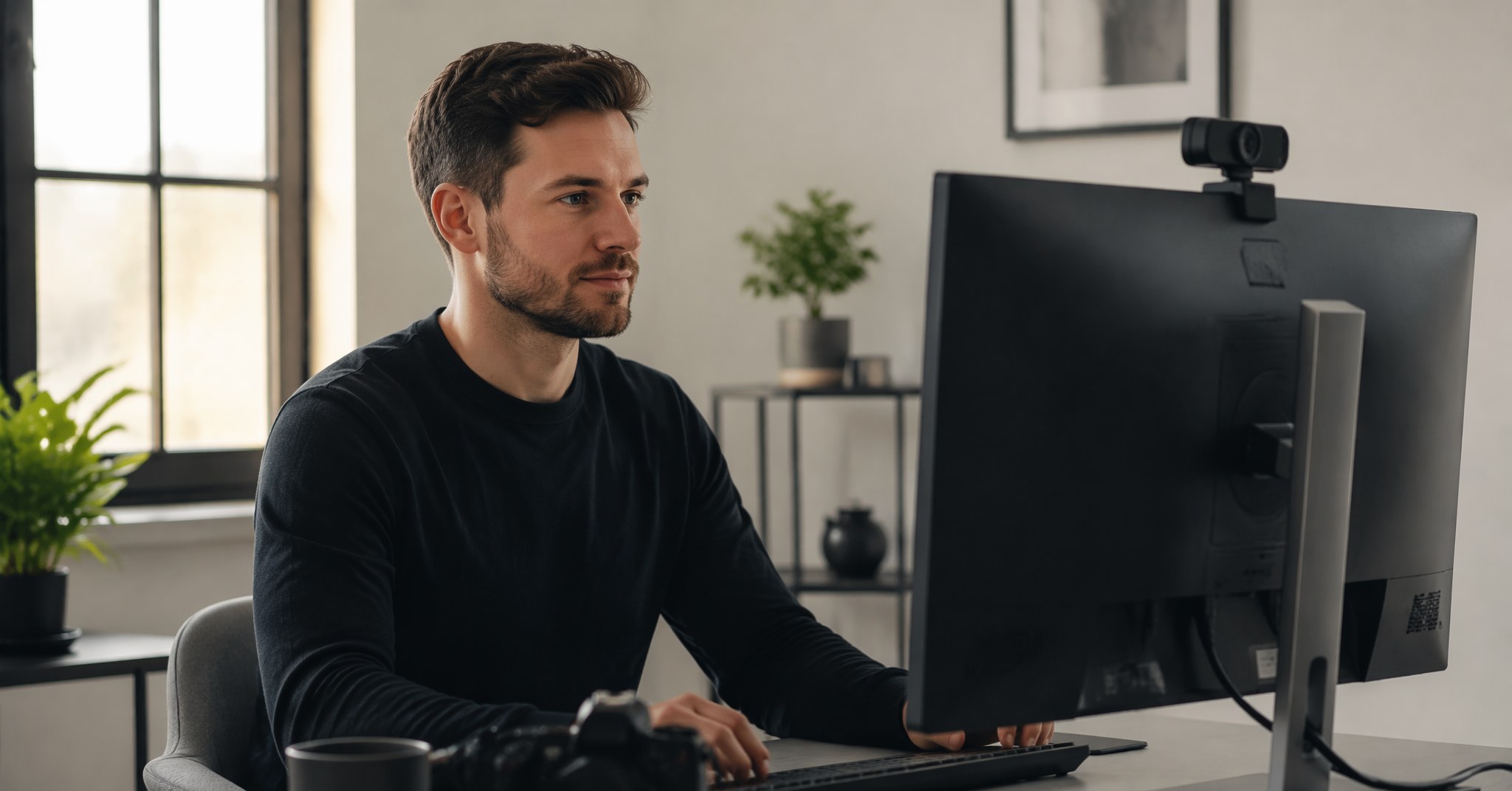
You've built a solid workflow on your computer. Your scripts live in Google Docs or Notion, your webcam sits above your monitor, and your editing software is already open. Then you try BIGVU and realize the entire experience is built around your phone. The teleprompter works, but you're constantly shifting between devices—writing on desktop, filming on mobile, and syncing footage back just to start editing. If that friction sounds familiar, you're not alone. A growing number of creators, educators, and business professionals are actively searching for a BIGVU alternative desktop app that keeps everything on the machine where they actually work.
The good news? You don't have to compromise. Desktop-native teleprompters have matured significantly, and the best options now offer features that mobile-first tools simply can't match—like invisible floating windows during screen sharing, voice-activated scrolling, and multi-language support that follows your actual speaking pace. In this guide, we'll break down what to look for in a desktop replacement, where BIGVU shines (and where it doesn't), and how FlowPrompter fits into the picture if your priority is a PC-first recording workflow.
What BIGVU Does Well—and Where the Desktop Gap Shows
BIGVU has built a strong reputation as an all-in-one video creation suite. Its teleprompter pairs with a built-in caption generator, brand kit overlays, and direct social publishing. For creators who film entirely on mobile and want quick turnaround for short-form content, that integration is genuinely convenient.
However, the desktop experience is secondary. The web editor exists, but the core teleprompter functionality remains mobile-centric. Public reviews consistently note that the desktop interface feels like a companion tool rather than a primary workspace. If your scripts are long, your setup involves OBS or Zoom, or you simply prefer the precision of a full keyboard and monitor, you'll hit friction quickly. BIGVU's pricing starts at $17.91 per month, which positions it above many standalone desktop alternatives—especially if you only need the teleprompter, not the full editing suite.
What to Look for in a BIGVU Alternative Desktop App
When evaluating a replacement, focus on these specific capabilities that define a true desktop-first experience:
Invisible window technology. The best desktop teleprompters run as floating overlays that remain visible to you but hidden from screen recordings, screenshots, and video calls. This matters if you present on Zoom, record tutorials with OBS, or join Microsoft Teams meetings where you don't want notes visible to attendees.
Voice tracking, not just auto-scroll. Auto-scroll moves at a fixed speed. Voice tracking listens to your actual speech, highlights words in real time, pauses when you improvise, and resumes when you return to the script. It's the difference between fighting your teleprompter and forgetting it's there.
Cross-platform support with sync. Your desktop app should work on both Windows and macOS, with an iOS option for filming on the go. Crucially, scripts should sync across devices instantly under one account—no manual file transfers.
Integration with your existing stack. Look for tools that play nicely with Zoom, Google Meet, Microsoft Teams, OBS, Streamlabs, Loom, and QuickTime without requiring complex workarounds.
How FlowPrompter Compares as a Desktop-First Option
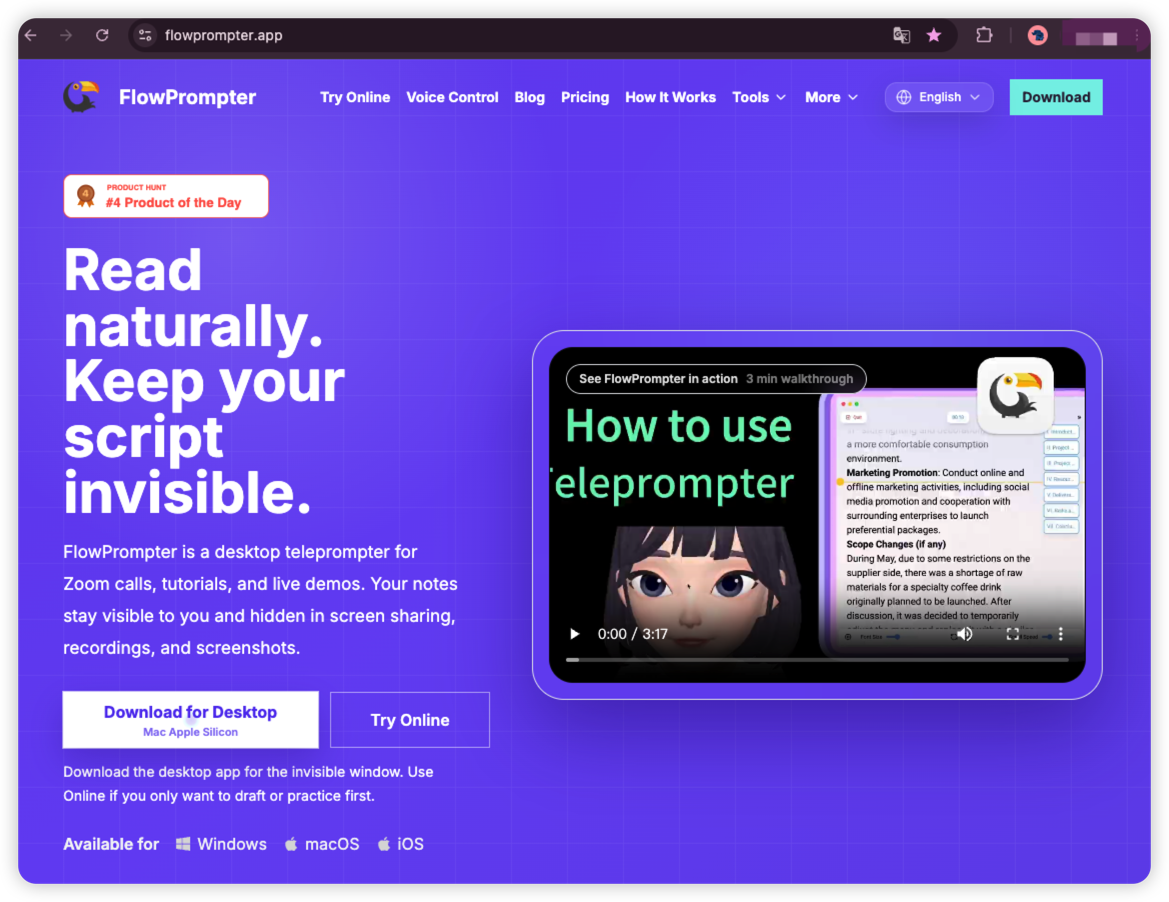
FlowPrompter is built specifically as a desktop teleprompter with an invisible floating layer. During screen sharing or recording, your audience sees only you—never your notes—unless you intentionally toggle the "Visible in screen share" switch on. That single feature solves a problem that mobile teleprompters fundamentally cannot address.
Where BIGVU centers its experience on a mobile video suite, FlowPrompter focuses on precise script delivery from your computer. Its AI voice tracking supports 14 languages, including English, Spanish, German, French, Portuguese, Dutch, Russian, Japanese, Korean, Simplified and Traditional Chinese, Arabic, Hindi, and Malay. The system adapts to your pace in real time: speak faster, and the highlight accelerates; pause to think, and it waits; go off-script for a moment, and it resumes exactly where you return.
The control panel gives you direct access to voice tracking toggle, microphone selection, language selection, font size adjustment, and a session timer—everything within a compact desktop interface. Pricing starts free, with Plus plans at $9.9 per month, $24.9 per quarter, or $69.9 per year (regularly $44.97 quarterly and $118.8 annually).
FlowPrompter also offers supplementary tools like an AI Script Generator, Script Timer, and Speaking Speed Calculator—useful if you're migrating from BIGVU's built-in script assistance but want to stay in a desktop browser workflow.
Who Shouldn't Switch from BIGVU
Honesty matters in product comparisons. If you film exclusively on your phone, rely heavily on BIGVU's automatic captioning and brand overlays, and publish directly to TikTok or Instagram without ever touching a desktop editor, BIGVU remains a streamlined choice. The all-in-one mobile pipeline is genuinely efficient for that specific use case.
Similarly, if you use BIGVU's newsroom-style lower thirds and social media scheduling as core parts of your workflow, a dedicated teleprompter like FlowPrompter won't replace those features. You'd be supplementing rather than substituting.
Setting Up a Desktop Teleprompter for the First Time
If you decide to move your workflow to PC, the transition is simpler than most expect:
Import or write your script in the desktop app. FlowPrompter supports direct text input and syncs across devices.
Position the floating window near your webcam. The standard recommendation is just below or directly behind your camera lens to maintain natural eye contact.
Enable voice tracking and select your microphone. Test one paragraph to confirm the scroll speed matches your natural rhythm.
Open your recording or meeting software. The teleprompter overlay remains invisible to audiences in Zoom, OBS, Teams, and similar platforms.
Record or present. The session timer helps you stay within target length without checking a separate clock.
Frequently Asked Questions
Is there a free BIGVU alternative for desktop?
Yes. FlowPrompter offers a free tier that includes core teleprompter functionality. For creators who only need occasional script support on PC, this eliminates the monthly subscription entirely.
Can a desktop teleprompter work with Zoom and OBS?
Absolutely. The key is choosing a tool with an invisible overlay feature. FlowPrompter's floating window is hidden from screen capture by default, making it compatible with Zoom meetings, OBS recordings, Streamlabs sessions, and Loom tutorials.
Does voice tracking work for non-English scripts?
FlowPrompter's AI voice tracking supports 14 languages, which covers most major content markets. By contrast, some competitors like PromptSmart limit voice tracking primarily to English, with limited expansion to other languages.
Will my scripts sync between my computer and phone?
Yes. FlowPrompter provides real-time sync across Windows, macOS, and iOS under a single account. You can draft on desktop, review on your phone, and return to your PC for recording without manual file transfers.
Ready to Ditch the Phone-to-Desktop Dance?
If you're tired of writing on your laptop, filming on your phone, and stitching the workflow back together, a true desktop teleprompter is the logical next step. FlowPrompter gives you invisible script delivery, AI voice tracking in 14 languages, and native integration with the meeting and recording tools you already use—at a lower starting price than BIGVU's entry tier.
Try FlowPrompter free today and see how a desktop-first approach changes the way you record.