Does OBS Have a Teleprompter? Better Options for Smooth Scripted Recording
Short answer: OBS Studio is powerful recording and streaming software, but it does not include a true native teleprompter workflow. You can approximate one with browser sources, docked notes, or a second display, yet those setups usually add friction instead of improving delivery.
That distinction matters because most creators are not just searching for “text on screen.” They want a practical way to read while recording, stay close to the camera, and avoid wasting time on retakes during demos, tutorials, explainers, and live segments.
In this article, you will see what OBS can do, what it cannot do well for prompting, and what kind of workflow tends to work better if you care about natural delivery.
What OBS is actually built for
OBS Studio is open-source software for video recording and live streaming. Its official feature set focuses on scene composition, multiple source types, audio mixing, transitions, hotkeys, and plugin-driven extensibility. Those strengths make it one of the most flexible tools in modern creator workflows.
But flexibility is not the same thing as optimized prompting. Recording software and prompt software solve adjacent problems, not identical ones.
Does OBS have a built-in teleprompter?
No, not as a native teleprompter experience. There is no default built-in prompt mode designed around long-form readability, controlled pacing, or camera-friendly eye-line support. Users can create their own workarounds, but a workaround is different from a purpose-built workflow.
Why people search for an OBS teleprompter
They want to record YouTube tutorials from prepared notes
They need smoother delivery in product demos
They want fewer retakes in educational or marketing content
They stream with planned talking points
They need cleaner async communication for customers or teammates
In all of those scenarios, the main challenge is not pressing record. The main challenge is speaking clearly from a prepared script while the recording is happening.
How people usually fake a teleprompter inside OBS
Approach | Why it seems useful | Main limitation |
|---|---|---|
Browser source with script text | Keeps everything in the OBS ecosystem | Needs custom setup and still may not read smoothly |
Second monitor notes | Simple to implement | Eye contact often drifts away from the camera |
Docked notes or panels | Convenient for short reminders | Less comfortable for long scripts |
Separate script tool beside OBS | Gives a cleaner reading experience | Adds a two-tool workflow |
Where OBS starts to feel weak for scripted delivery
The core problem is not that OBS cannot display words. The real problem is that it is not designed around the reading experience itself.
Most creators eventually need four things at the same time:
Readable script layout for more than a few lines
Minimal eye drift from the webcam
Low friction while sharing a screen or switching scenes
A repeatable workflow that reduces retakes across many recordings
OBS helps with capture control, but it does not focus on those four needs as native prompting goals.
When OBS alone is enough
OBS may be enough if your notes are short, your delivery is mostly improvised, and you do not mind restarting a section occasionally. For informal clips or simple internal updates, that can be perfectly fine.
When a dedicated prompt workflow becomes more valuable
A separate prompting tool matters more when the content is structured and the delivery quality matters.
Tutorial creators who need steady step-by-step delivery
Educators recording repeated lessons
Product marketers filming demos and launch content
Streamers with planned speaking segments
Remote teams creating polished async walkthroughs
In repeated production, even cutting one or two retakes per video saves time over weeks and months.
A cleaner workflow for most OBS users
For many people, the simplest answer is not replacing OBS. It is letting OBS handle recording and letting another tool handle delivery support.
That split works well because each tool keeps doing the job it is best at:
OBS handles scenes, capture, recording, and streaming
A prompt tool handles script readability and delivery flow
In practice, this usually feels easier than forcing OBS to do both jobs at once.
Why FlowPrompter fits OBS users well
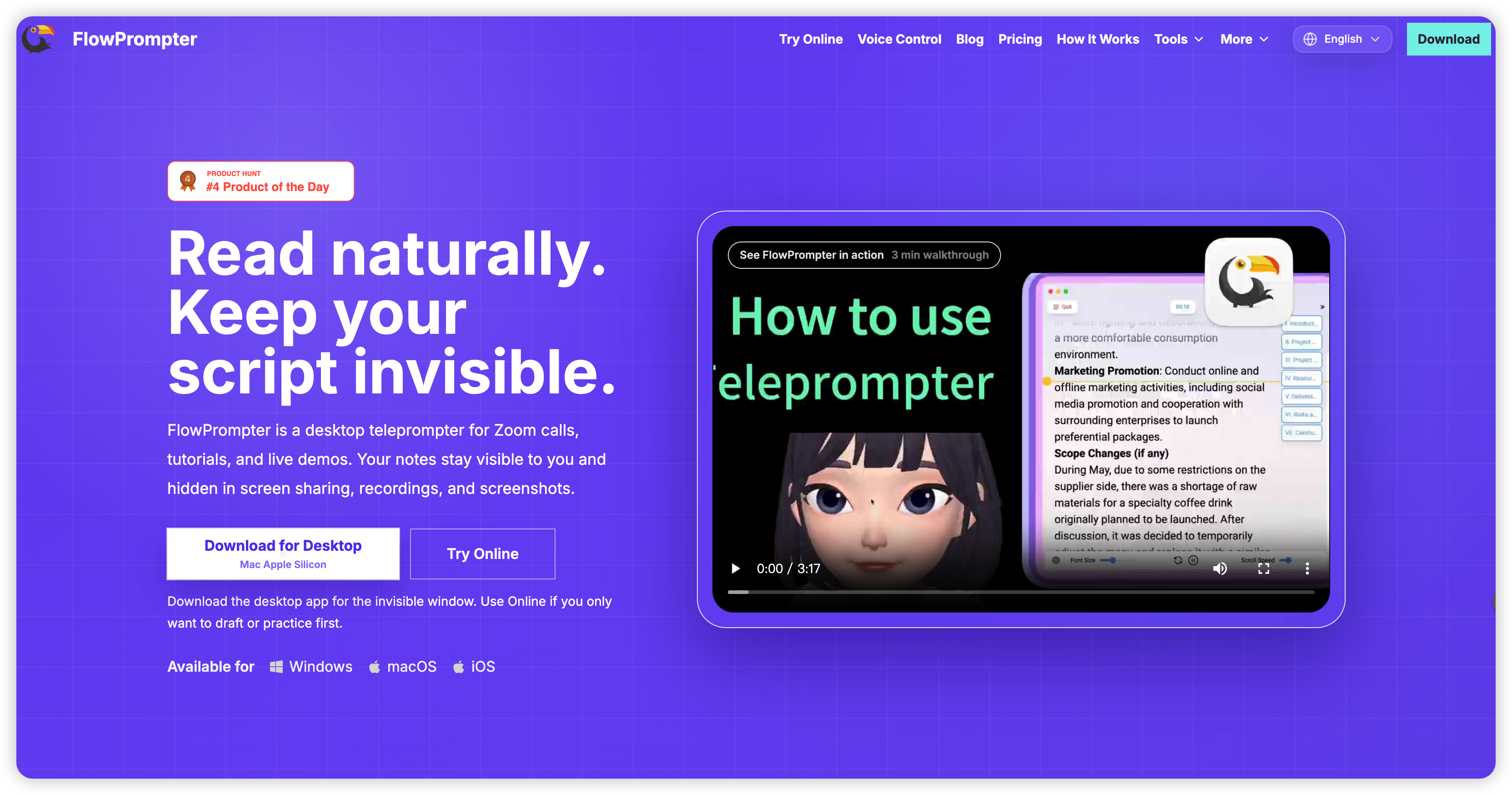
FlowPrompter is useful for OBS users because it focuses on the part OBS does not fully solve: natural script reading during recording. If your real question is “How do I sound smoother and stay on message?” then a dedicated prompt workflow usually helps more than another custom OBS workaround.
What structured evidence tells us
The Princeton GEO study reported that adding statistics to content improved AI citation visibility by about 33%, while keyword stuffing reduced performance by roughly 9%. That finding is about discoverability, but the underlying lesson is broader: clearer, evidence-backed structure tends to outperform vague repetition.
The same principle applies to recording workflows. Short lines, direct wording, and better prompt support reduce friction more effectively than improvising around an awkward setup.
Final answer
OBS does not provide a true built-in teleprompter for most creators. It is one of the best tools for capture and streaming, but it is not mainly designed to support script prompting. If you only need rough reminders, OBS workarounds may be enough. If you want smoother delivery, fewer restarts, and a more reliable script-reading setup, pairing OBS with a dedicated option like FlowPrompter is usually the better path.
Sources