How Do I Use a Teleprompter for Zoom, Google Meet, or Online Presentations?
If you often speak in Zoom meetings, Google Meet calls, webinars, online classes, product demos, or virtual presentations, you have probably faced the same challenge: you want to stay clear and confident, but you do not want to stare at notes, forget key points, or sound like you are reading from a script.
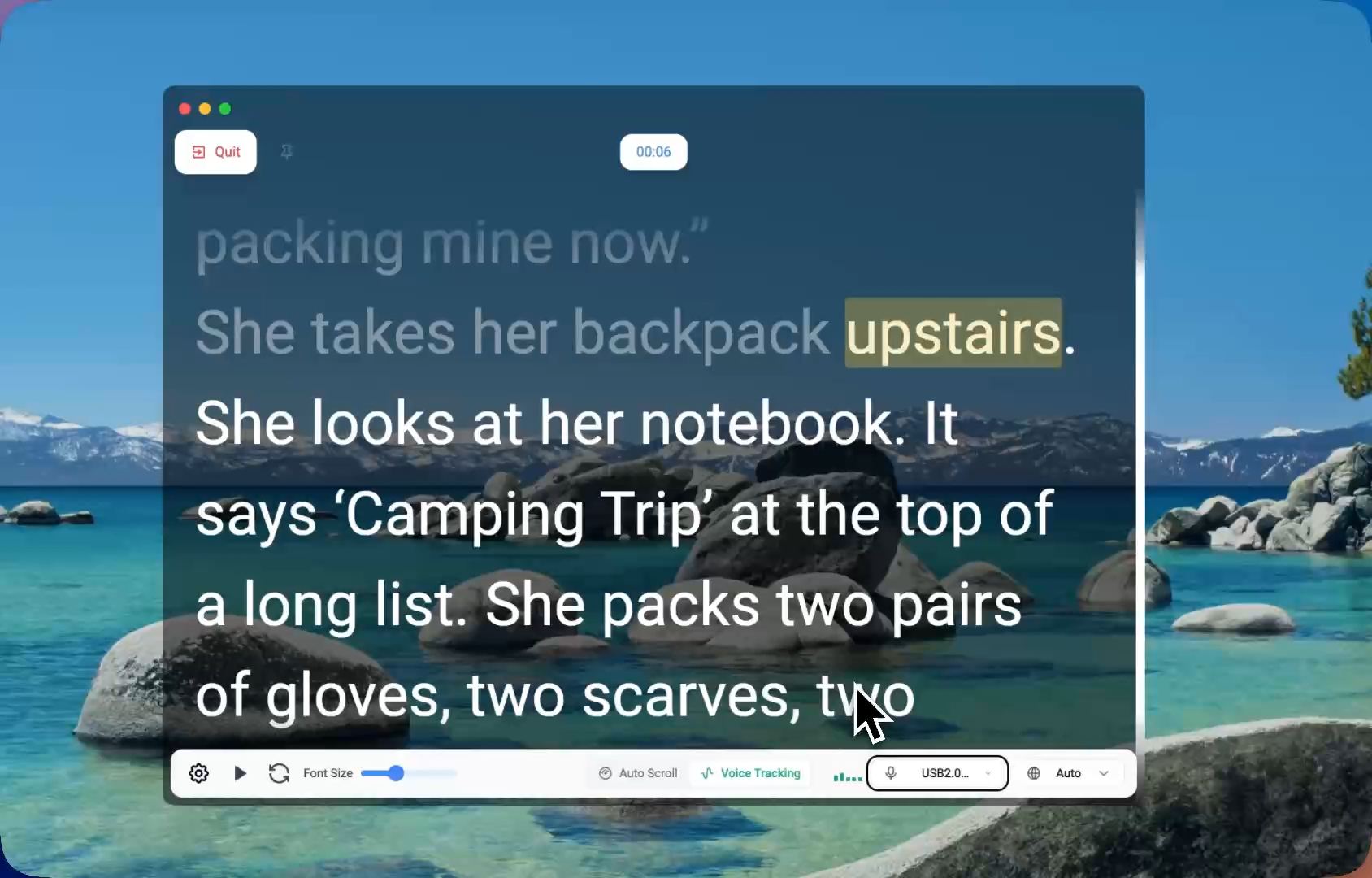
The practical answer is to use a teleprompter designed for online presentations. A good teleprompter lets you keep your script or talking points visible while you speak naturally to your camera. For presenters who need to share their screen, record tutorials, or speak in live meetings, FlowPrompter is built for exactly this workflow.
FAQ: Using a Teleprompter for Zoom, Google Meet, and Online Presentations
Can people see my teleprompter on Zoom?
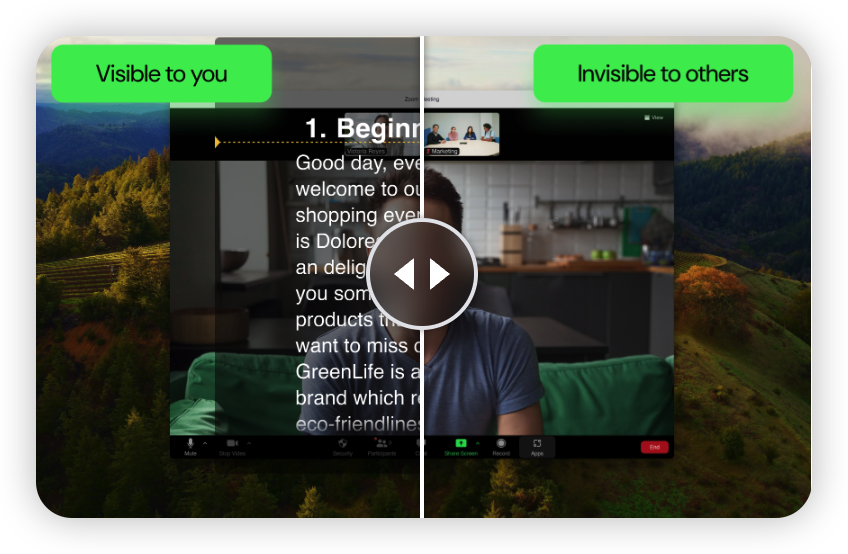
If you use a normal document or browser window, they might see it during screen sharing. FlowPrompter Desktop is designed so your prompt stays visible to you while remaining hidden during screen sharing, recording, and screenshots.
Can I use FlowPrompter with Google Meet?
Yes. FlowPrompter works for Google Meet presentations, Zoom calls, Microsoft Teams meetings, webinars, and other online presentation workflows.
Can I use FlowPrompter while recording a tutorial?
Yes. FlowPrompter is useful for tutorials, screen recordings, online courses, product demos, and YouTube videos where you need to stay on script while recording.
Does FlowPrompter auto-scroll with my voice?
Yes. FlowPrompter supports voice tracking, which can automatically scroll the script as you speak. This helps you keep a natural pace.
Is FlowPrompter good for beginners?
Yes. Beginners can start with a simple script, adjust the font size and speed, and practice before joining a meeting or recording. FlowPrompter is designed to make scripted delivery easier, not more complicated.
Is FlowPrompter free?
Yes. You can start for free and upgrade when you need longer sessions, more control, or the full desktop workflow for professional delivery.
The Easiest Way to Stay on Script in Online Presentations
Using a teleprompter for Zoom, Google Meet, or online presentations is one of the easiest ways to speak more clearly without memorizing every word. The right teleprompter helps you stay organized, keep better eye contact, and avoid awkward pauses.
For modern online presenters, FlowPrompter is a strong choice because it is designed around real presentation needs: invisible prompting during screen sharing, voice tracking, script syncing, online drafting, and desktop delivery.
If you want to present more naturally in meetings, webinars, tutorials, or recorded videos, FlowPrompter helps you keep your message in front of you while keeping the audience focused on you.