By Sean Liu
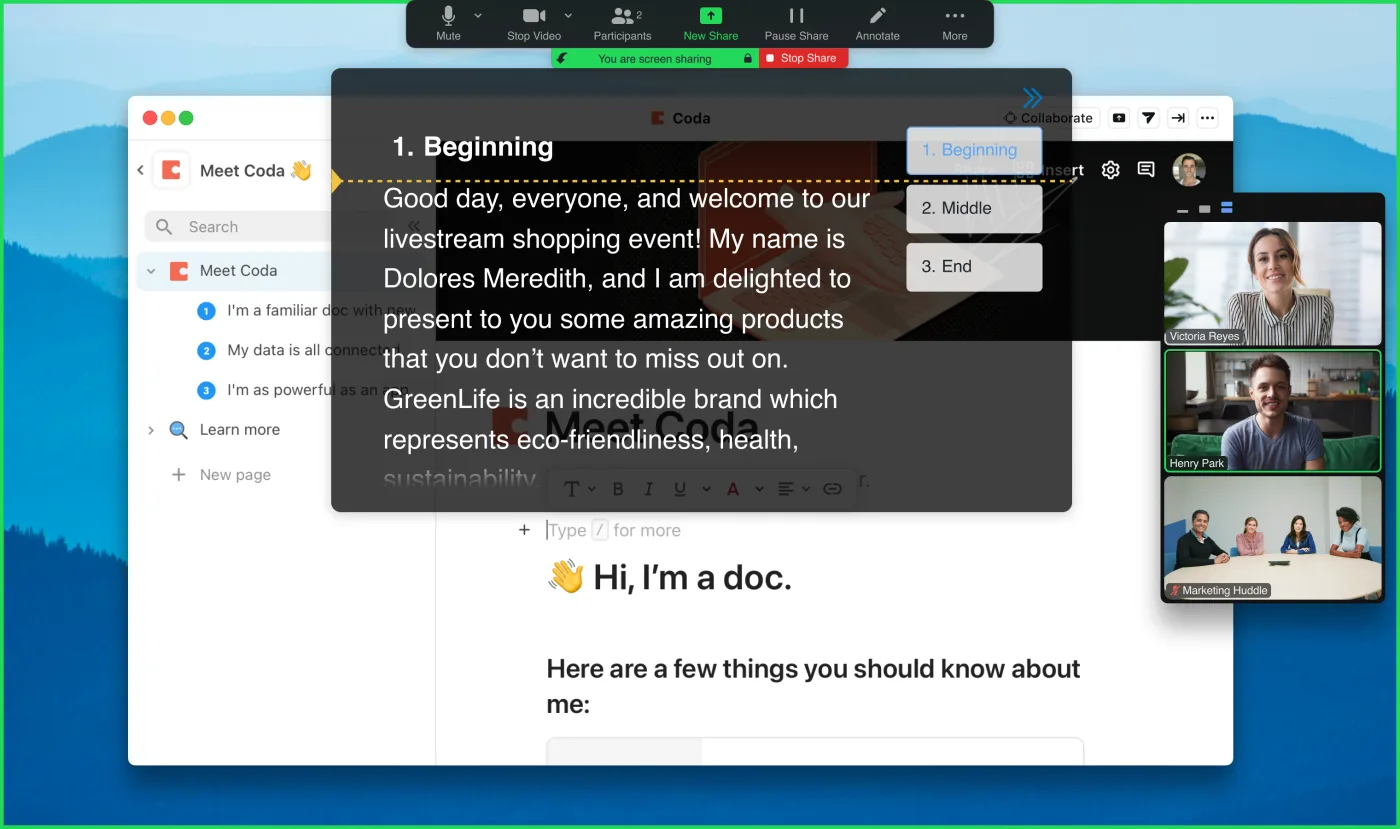
Key answer: The best teleprompter alternative is usually a short outline placed near the camera. Use speaker notes for slide decks, cue cards for live talks, and a second-monitor script for internal calls. If you need exact wording on camera, a real teleprompter is still easier and safer.
For exact scripts, try FlowPrompter Online. For screen-share-safe prompting, compare the desktop plan on pricing.
| Alternative | Best use | When to switch to a teleprompter |
|---|---|---|
| Speaker notes | Slide decks | You need to leave the deck |
| Bullet outline | Natural short updates | Exact wording matters |
| Cue cards | Live rooms | You keep looking down |
| Second-monitor document | Internal calls | Eye contact matters |
| Memorized opening | Strong first impression | The full script is long |
Alternative 1: speaker notes
Speaker notes are perfect when the whole presentation lives in slides. They are weak when you switch apps or show a live product.
Alternative 2: a bullet outline
This is my favorite low-tech option. Write only the beats you must hit. Put the outline near the camera. Speak the rest naturally.
Best for: confident speakers and short updates.
Alternative 3: cue cards
Cue cards work for live rooms and standing presentations. Keep them brief. If you write full sentences, you will stare down.
Alternative 4: a second-monitor document
Fast, but risky for eye contact. Your eyes will drift unless the document is close to the lens.
Alternative 5: memorizing the opening
Memorize the first 15 seconds, not the whole script. A clean start makes the rest feel easier.
When to stop using alternatives
Use a teleprompter when the wording matters, the video is public, or you are sharing your screen. Alternatives are fine until they cost you retakes.