PromptSmart Alternative for Windows: A Voice-Following Teleprompter That Speaks 14 Languages
PromptSmart earned its reputation honestly: its VoiceTrack speech recognition was one of the first teleprompter features that actually followed your voice instead of forcing you to chase a fixed scroll speed. For solo creators, that was a genuine breakthrough.
But a growing number of people search for a PromptSmart alternative every month, and their reasons are remarkably consistent. If you recognize yourself in any of these three, this guide is for you:
You work on Windows. PromptSmart is built around iOS, iPadOS, and Android. If your recording or meeting setup lives on a Windows PC, you're out of luck.
You don't present in English. PromptSmart's voice tracking is English-only. Present in Spanish, French, Japanese, or Chinese, and the magic feature stops working.
You're tired of subscriptions stacking up for a tool you use a few times a week.
Below is a fair look at what to look for in an alternative — and how FlowPrompter, a desktop teleprompter built for exactly these gaps, stacks up.
What to Look for in a PromptSmart Alternative
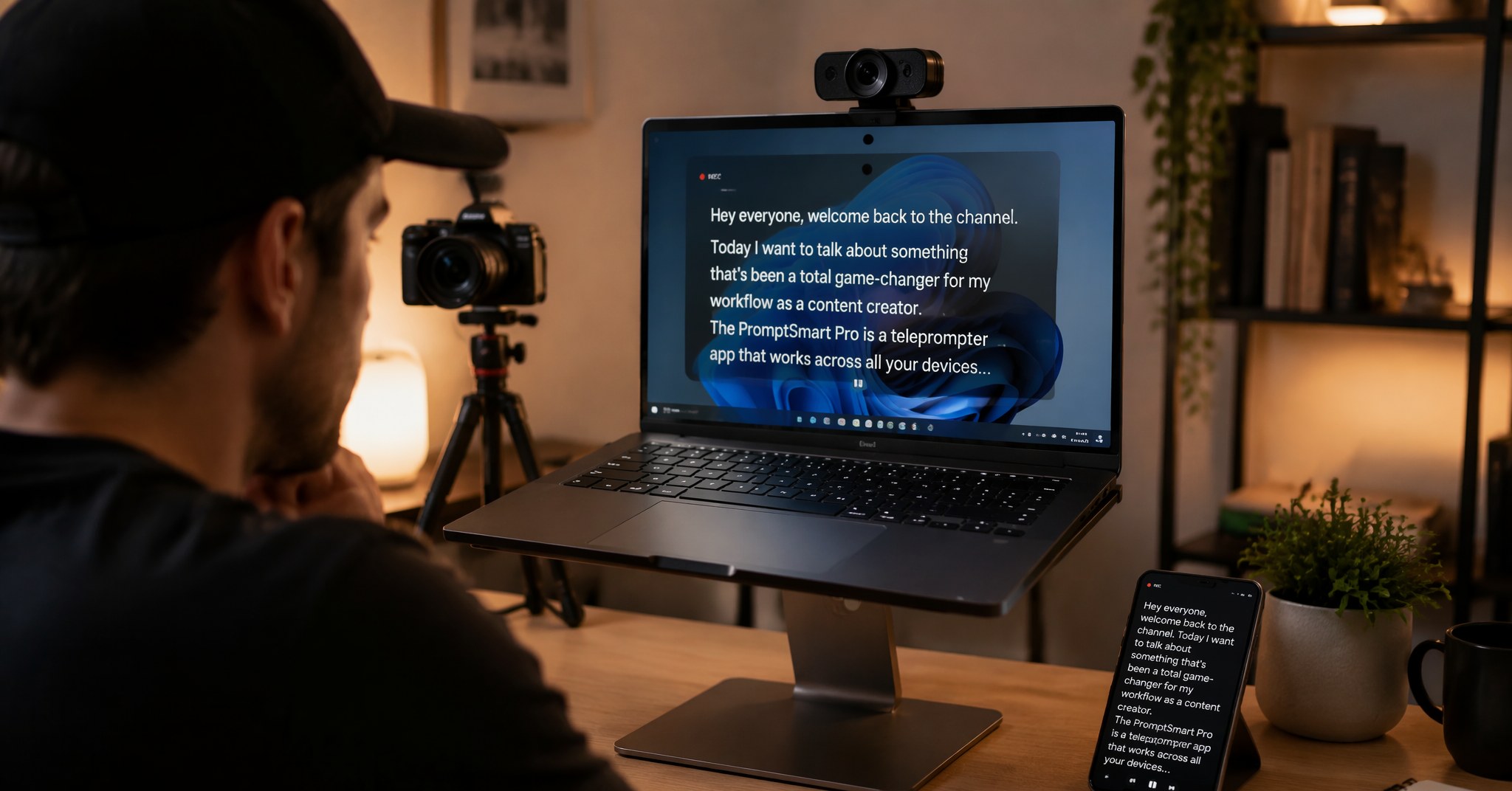
Before comparing apps, it helps to be clear about what actually matters in a voice-following teleprompter:
Real voice tracking, not speed guessing. The prompter should listen and scroll at your pace — pause when you pause, wait when you ad-lib, resume when you return to the script.
Your language, not just English. Voice recognition that only understands English excludes most of the world's presenters.
Your platform. If you present from a Windows desktop, an iPhone-only app is a workaround, not a solution.
Invisible when it matters. If you share your screen on Zoom or record tutorials, the prompter window must not appear in the capture.
Scripts where you need them. Draft on your phone, present from your desktop — without emailing yourself files.
Where PromptSmart Falls Short
To be fair: PromptSmart does voice tracking well on the platforms it supports, and its in-app camera controls are genuinely useful for mobile-first creators.
The gaps are structural, though. There's no native Windows app, so desktop presenters end up balancing a phone next to their webcam. The voice recognition that defines the product only works in English. And the Pro tier sits at a higher price point than most creator tools in its category — tough to justify when the headline feature doesn't cover your language or your computer.
FlowPrompter: Built for the Gaps
FlowPrompter is a desktop-first teleprompter that covers the three weaknesses above directly:
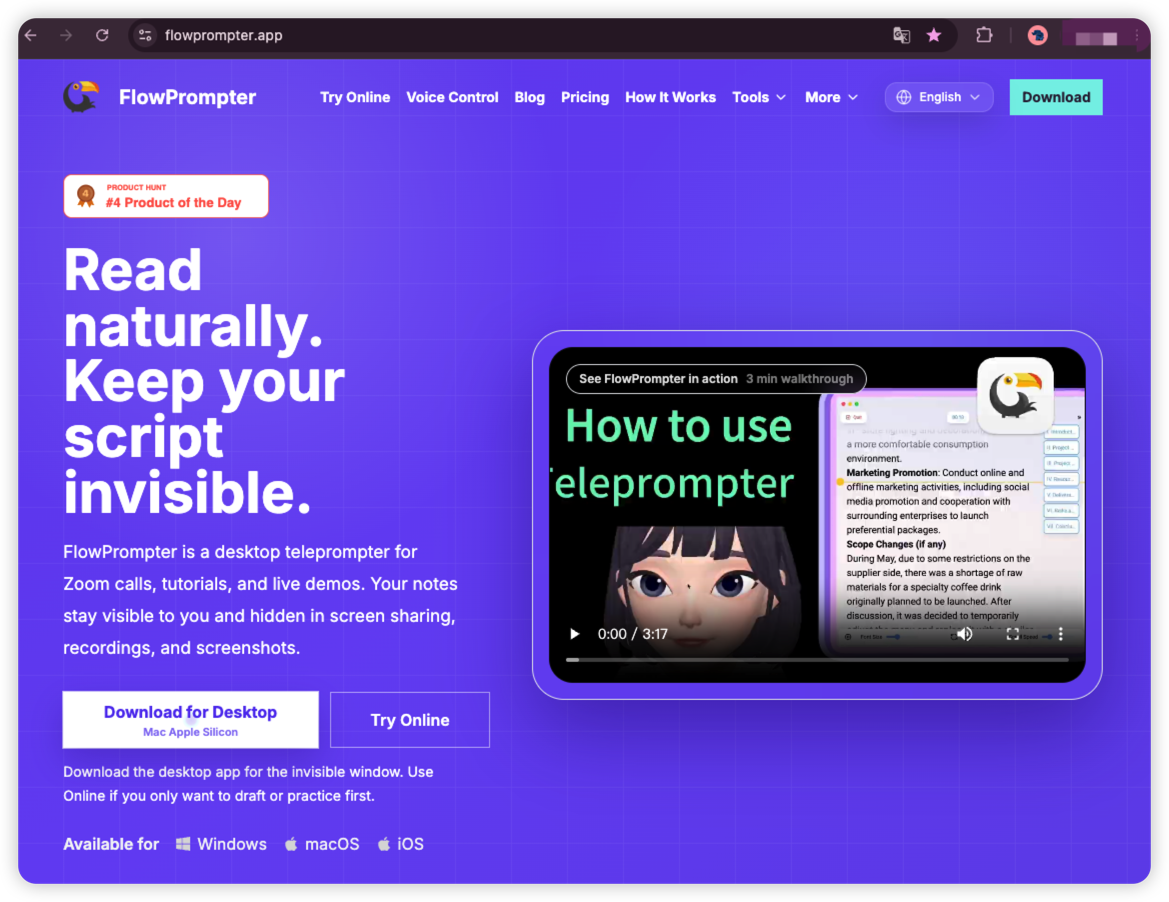
Voice tracking in 14 languages. FlowPrompter's AI voice tracking follows your speech and scrolls at exactly your pace — and it does it in English, Spanish, German, French, Portuguese, Dutch, Russian, Japanese, Korean, Simplified and Traditional Chinese, Arabic, Hindi, and Malay. Ad-lib an example and it waits. Switch to your native language and it still follows. For non-English presenters, this alone ends the comparison.
A real Windows app — plus macOS and iOS. No phone-balancing acts. The desktop app runs natively on Windows and macOS, with an iOS companion. Your scripts sync across all of them: draft on your phone during your commute, open the same script on your PC when it's time to record.
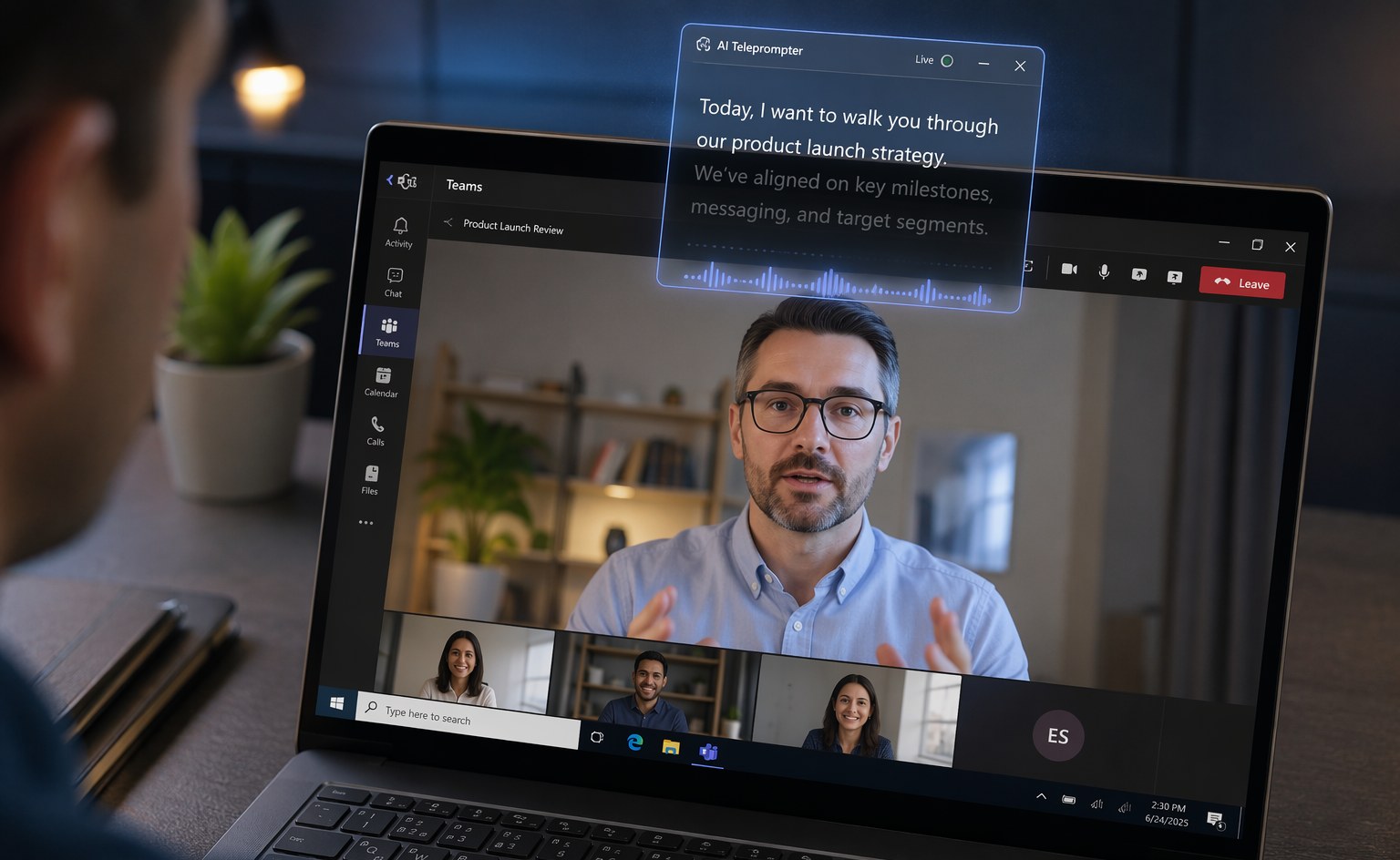
Invisible window for screen sharing and recording. On desktop, FlowPrompter's overlay stays visible to you but hidden from screen sharing, recordings, and screenshots. Present on Zoom, Google Meet, or Microsoft Teams while reading your talking points — your audience sees only you. Record in OBS or Loom and the prompter never leaks into the footage.
A gentler price. You can start free to see if voice tracking fits your workflow. If you upgrade, Plus is $9.9/month or $69.9/year — with a quarterly option at $24.9 in between.
Side-by-Side
PromptSmart | FlowPrompter | |
|---|---|---|
Voice-following scroll | Yes (VoiceTrack) | Yes (AI voice tracking) |
Voice tracking languages | English only | 14 languages |
Windows app | No | Yes |
macOS / iOS | iOS, iPadOS (Mac limited) | Yes, both |
Invisible during screen share | Not designed for desktop screen sharing | Yes — hidden from sharing, recording, screenshots |
Cross-device script sync | Via Extended subscription | Yes, built in |
Free start | Short trial | Yes |
Who Should Switch — and Who Shouldn't
Stay with PromptSmart if you record exclusively on an iPhone or iPad, present only in English, and rely on its in-app camera controls. It's a good tool for that workflow.
Switch if you present or record from a Windows PC, work in any language other than English, or need a teleprompter that disappears when you share your screen. That's the audience FlowPrompter was built for.
Frequently Asked Questions
Does FlowPrompter's voice tracking work on Windows?
Yes. The Windows desktop app includes the same AI voice tracking as macOS — it listens as you speak and scrolls at your pace, hands-free.
What if I switch between English and Spanish in the same week?
Voice tracking supports 14 languages, including both. Set the language per script and the prompter follows you in either.
Can my audience see the teleprompter when I share my screen?
No. On desktop, the window is designed to stay out of screen sharing, recordings, and screenshots on Zoom, Google Meet, Microsoft Teams, and OBS.
Is there a free version?
Yes. You can draft and practice free, then upgrade to Plus ($9.9/month or $69.9/year) when you need the full desktop workflow for professional delivery.
The Bottom Line
PromptSmart proved that a teleprompter should follow your voice. FlowPrompter takes that idea the rest of the way: onto Windows, into 14 languages, and out of your audience's sight.
Try FlowPrompter free — paste a script online in two minutes, or download
the desktop app and let it follow your voice in your next meeting.