Teleprompter for TikTok Talking Head Videos: A Complete Workflow Guide
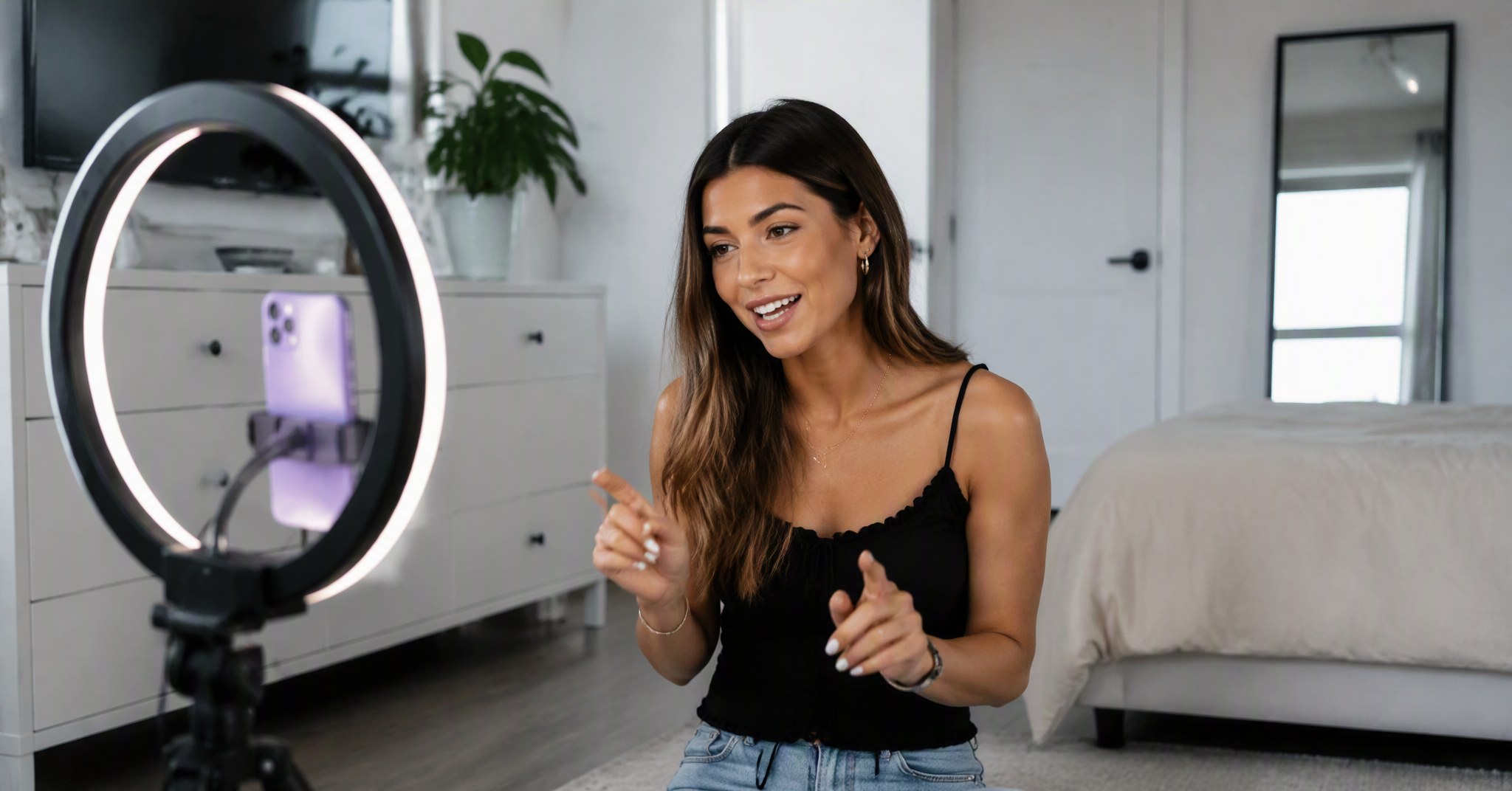
You wrote a great script. The hook is sharp, the pacing feels right, and you know exactly which B-roll clips you will drop in during editing. Then you hit record on your phone. Three takes later, you are still stumbling over the second paragraph. Your eyes keep drifting off-camera to check your notes. The energy from take one is gone, and the lighting is starting to shift.
This is the daily reality for TikTok talking head creators. The platform rewards consistency, which means you need a system that lets you produce polished scripts fast—and deliver them on camera without memorizing every word. A teleprompter built for this workflow changes everything.
Why TikTok Talking Head Creators Need a Dedicated Teleprompter
TikTok content looks casual, but the creators who post daily are not winging it. They script every hook, transition, and call to action. The difference between a video that holds viewers past the three-second mark and one that gets skipped is often delivery confidence—and confidence comes from knowing your script is right there when you need it.
Without a teleprompter, you have three bad options:
Memorize everything. This works for a 15-second clip. For a 60-second script with multiple points, one forgotten line means a full retake.
Read from notes off-camera. Your eyes give it away instantly. Viewers can tell when you are glancing at a second screen or a piece of paper.
Wing it. Some creators pull this off, but the hit rate is low. One dead pause or repeated "um" and the retention graph drops.
A teleprompter solves this by keeping your script visible while your eyes stay on the lens. The trick is finding one that matches how TikTok creators actually work.
The Desktop-to-Mobile Workflow That Saves Hours
Here is the workflow most successful TikTok creators use, whether they admit it or not: write on a laptop, polish the script, then record on a phone. The phone is the camera because TikTok is built for vertical video, and a phone on a tripod at arm's length gives you the intimate, direct-to-camera look the algorithm favors.
The problem is the gap between those two steps. You write in Google Docs or Notion. Then you either memorize, screenshot your notes, or copy-paste into a mobile teleprompter app—losing all your formatting and edits in the process. Every extra step adds friction, and friction kills consistency.
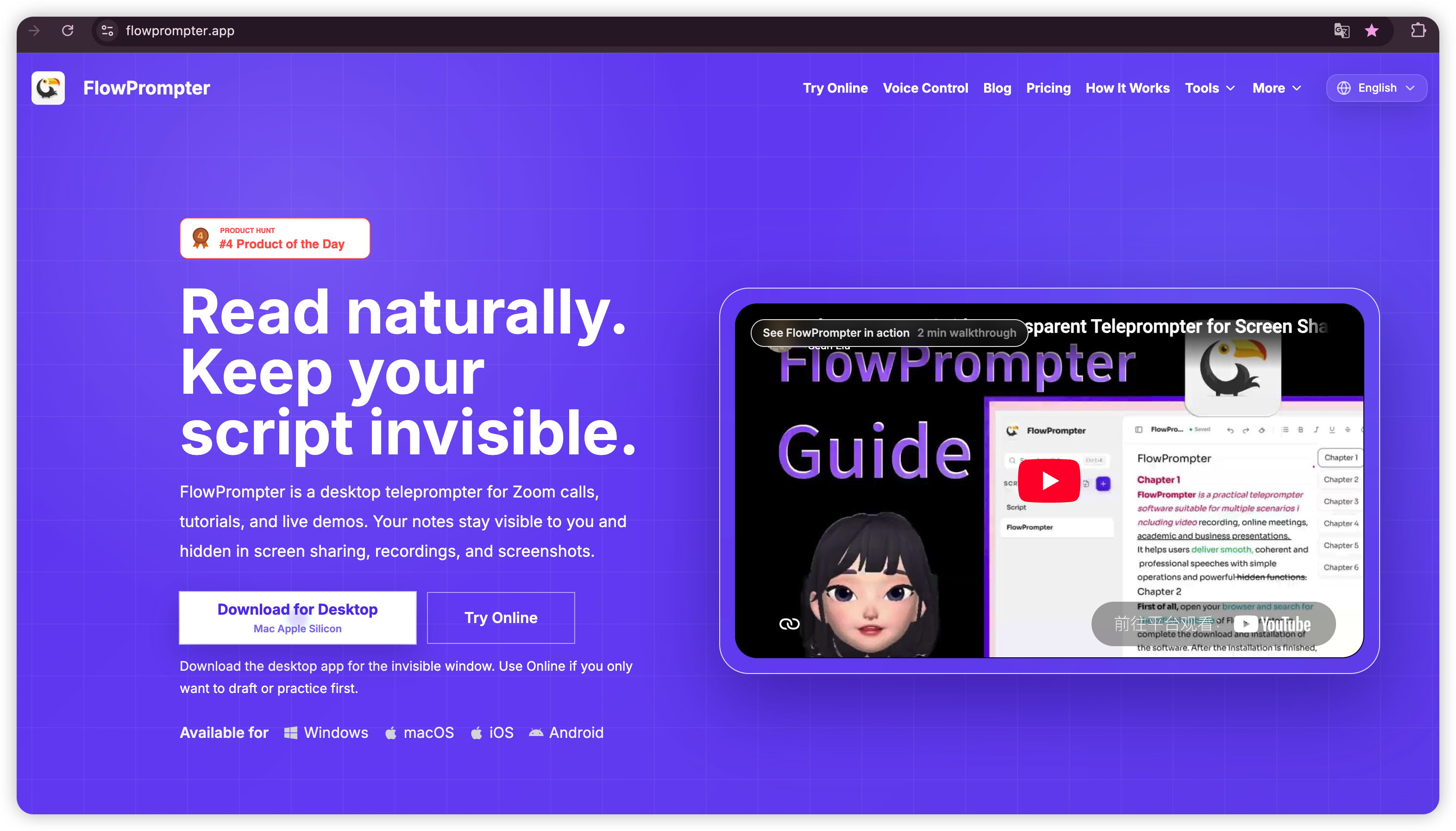
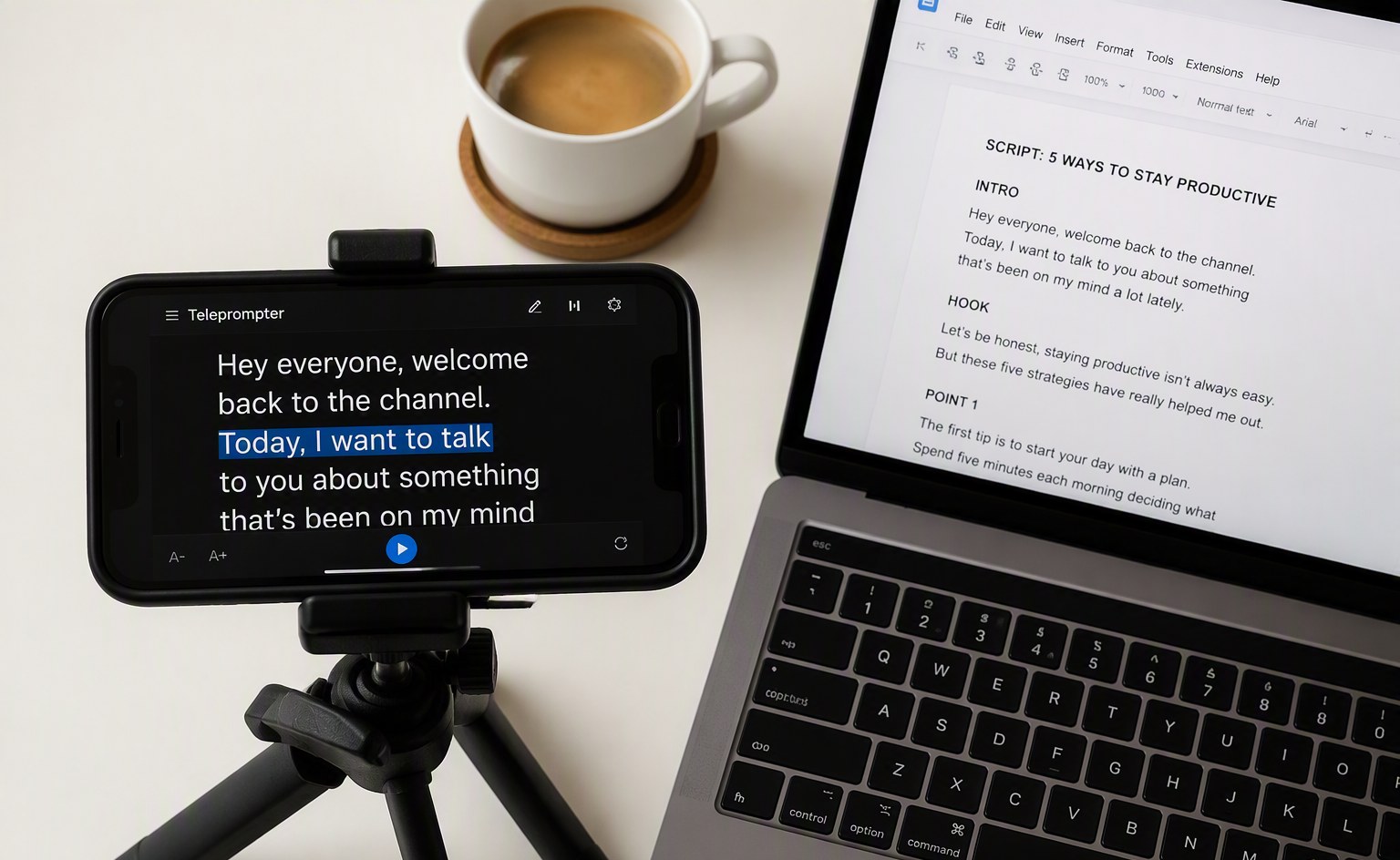
FlowPrompter closes that gap. You write and edit your script on the desktop app for Windows or macOS, where you have a full keyboard and can use the built-in AI Script Generator or Script Timer to hit your target length. When you are ready to record, the script syncs instantly to your iPhone or Android device through the same account. Open the mobile app, tap your script, and start recording. No copy-paste. No email attachments. No lost formatting.
AI Voice Tracking: Why Fixed Scroll Speed Fails on Short-Form Video
Traditional teleprompters scroll at a fixed speed. You set it to 150 words per minute and hope your delivery matches. On TikTok, this breaks down fast. You might rush through the hook to build energy, then slow down for a key point, then ad-lib a reaction to a comment you know is coming. A fixed-speed prompter keeps scrolling whether you are ready or not.
FlowPrompter's AI voice tracking listens to your actual speech and scrolls word by word in real time. If you pause for emphasis, it waits. If you improvise a line, it stops until you return to the script. If you speed up during the hook, it keeps up. This matters because TikTok rewards authentic delivery, and authentic delivery means variation in pace—not robotic consistency.
The feature supports 14 languages, so it works whether you record in English, Spanish, Portuguese, or any other supported language. You select your language in the control bar, choose your microphone, and the tracking adapts.
How to Record Your Next TikTok with FlowPrompter
If you are new to teleprompting for short-form video, here is the simplest way to get started.
Step 1: Write your script on desktop. Open FlowPrompter on your Windows or Mac computer. Use the AI Script Generator if you need a starting point, or paste your draft directly. Run it through the Script Timer to confirm it lands in your target duration—45 seconds for a quick tip, 90 seconds for a story format.
Step 2: Enable sync and open your phone. Your script is already available on your mobile device through the same FlowPrompter account. Open the iOS or Android app and select the script.
Step 3: Set up your phone and start voice tracking. Mount your phone on a tripod at eye level, roughly an arm's length away. This keeps the framing tight and personal—exactly what TikTok audiences expect. In the FlowPrompter mobile app, enable voice tracking, select your language, and start recording through the TikTok camera or your native camera app. The prompter floats as an overlay and follows your voice as you speak.
Step 4: Record and export. Because the script scrolls with your actual pace, you will nail the take in fewer attempts. Less time re-recording means more time for editing, posting, and planning tomorrow's content.
How FlowPrompter Compares to Mobile-Only Alternatives
FlowPrompter takes a different approach. It starts free, with paid plans beginning at $9.9 per month. The core difference is the cross-platform workflow: you are not trapped on a phone for writing and editing, and you are not limited to one operating system. Windows, macOS, iOS, and Android all work together through the same account, with scripts syncing in real time.
FAQ
Can I use FlowPrompter to record TikTok videos directly? FlowPrompter works as an overlay while you record through the TikTok app or your native camera. Position the prompter window near your front camera so your eyes stay naturally aligned with the lens.
Does voice tracking work for fast-paced TikTok delivery? Yes. The AI adapts to your speaking speed, including faster hooks and slower explanatory sections. It pauses when you pause and resumes when you continue.
What if I write scripts on my laptop but film on my phone? That is exactly what FlowPrompter is built for. Scripts written on desktop sync automatically to mobile. You can also start a script on your phone and finish editing on your computer.
Is FlowPrompter free for TikTok creators? The free plan includes core teleprompting and sync. Paid plans unlock voice tracking and additional features starting at $9.9 per month.
Start Recording Better Talking Head Content Today
TikTok rewards creators who show up consistently with confident, well-paced delivery. A teleprompter removes the friction between a great script and a clean take. With FlowPrompter's desktop-to-mobile sync and AI voice tracking, you spend less time memorizing and re-recording—and more time creating.
Try FlowPrompter free today at flowprompter.app and see how fast your TikTok workflow becomes.