The Ultimate Teleprompter Features You Need in 2026
Whether you're a content creator, educator, or business professional, having the right teleprompter can transform your video production experience. Today, let's explore the six essential features that make FlowPrompter stand out from the competition.
1. Transparent Teleprompter: Keep Eye Contact with Your Audience
One of the biggest challenges of using a teleprompter is maintaining natural eye contact. With FlowPrompter's transparent teleprompter feature, your script appears as a subtle overlay on your screen, allowing you to read while looking directly at the camera.
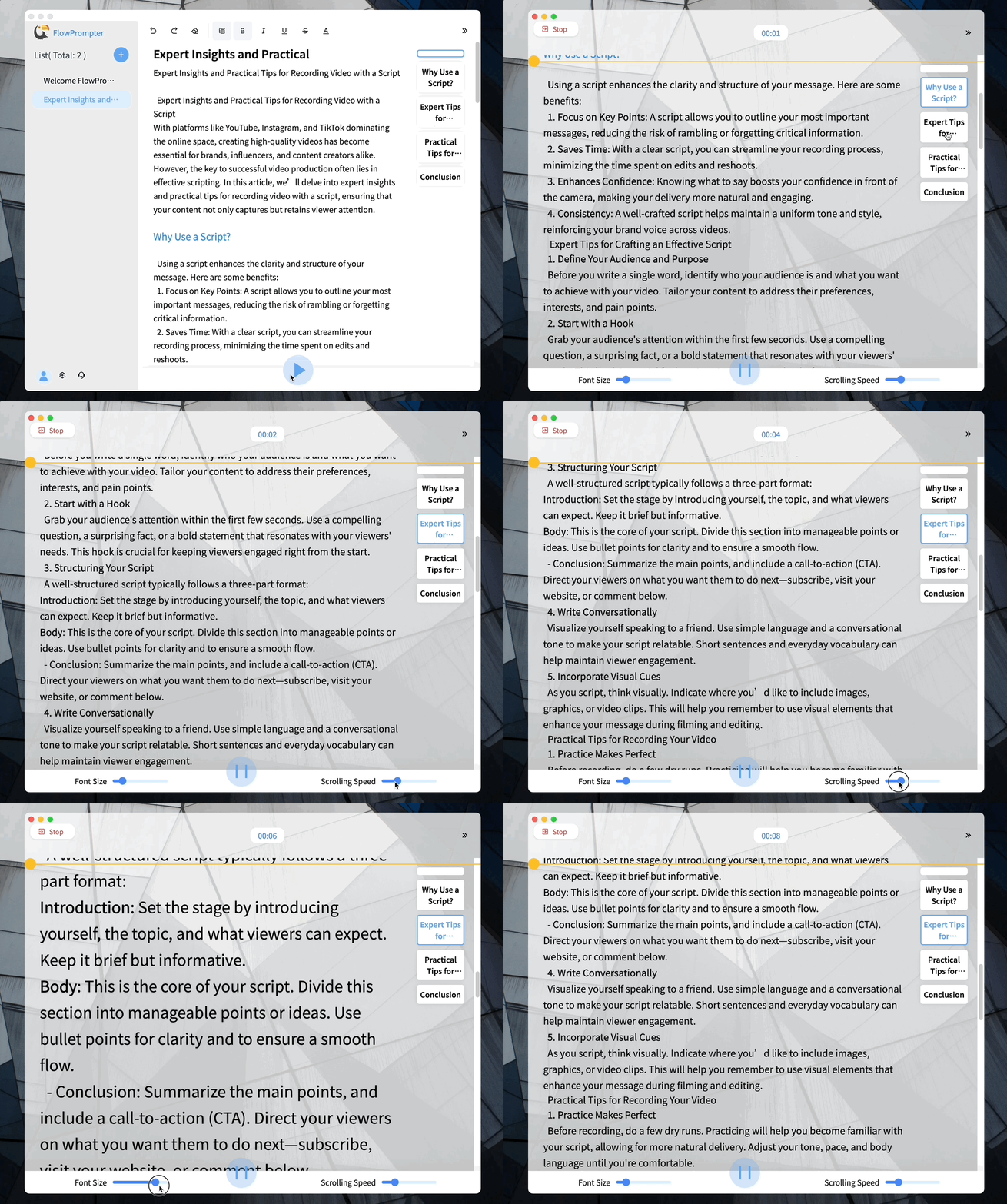
This transparency level is adjustable, giving you complete control over how visible or subtle your script appears. Say goodbye to the awkward "reading from a script" look!
2. Screen Sharing Teleprompter: Perfect for Online Presentations
Need to present on Zoom, Google Meet, or Microsoft Teams while reading from a script? FlowPrompter's screen sharing teleprompter is designed specifically for this use case.
Simply enable screen sharing mode, and your teleprompter will be visible to your audience without cluttering your screen. It's ideal for webinars, online courses, and virtual meetings where professionalism matters.
3. Windows Teleprompter: Seamless Integration for Windows Users
FlowPrompter as a Windows teleprompter offers native integration with the Windows operating system. Whether you're using Windows 10 or Windows 11, our teleprompter runs smoothly without compatibility issues.
[Screenshot: FlowPrompter running on Windows desktop]
The Windows version includes keyboard shortcuts, multi-monitor support, and system tray integration for quick access during recording sessions.
4. Web-Based Teleprompter: Access Anywhere, Anytime
No installation required! FlowPrompter's web-based teleprompter works directly in your browser, giving you the freedom to create and use scripts from any device with internet access.
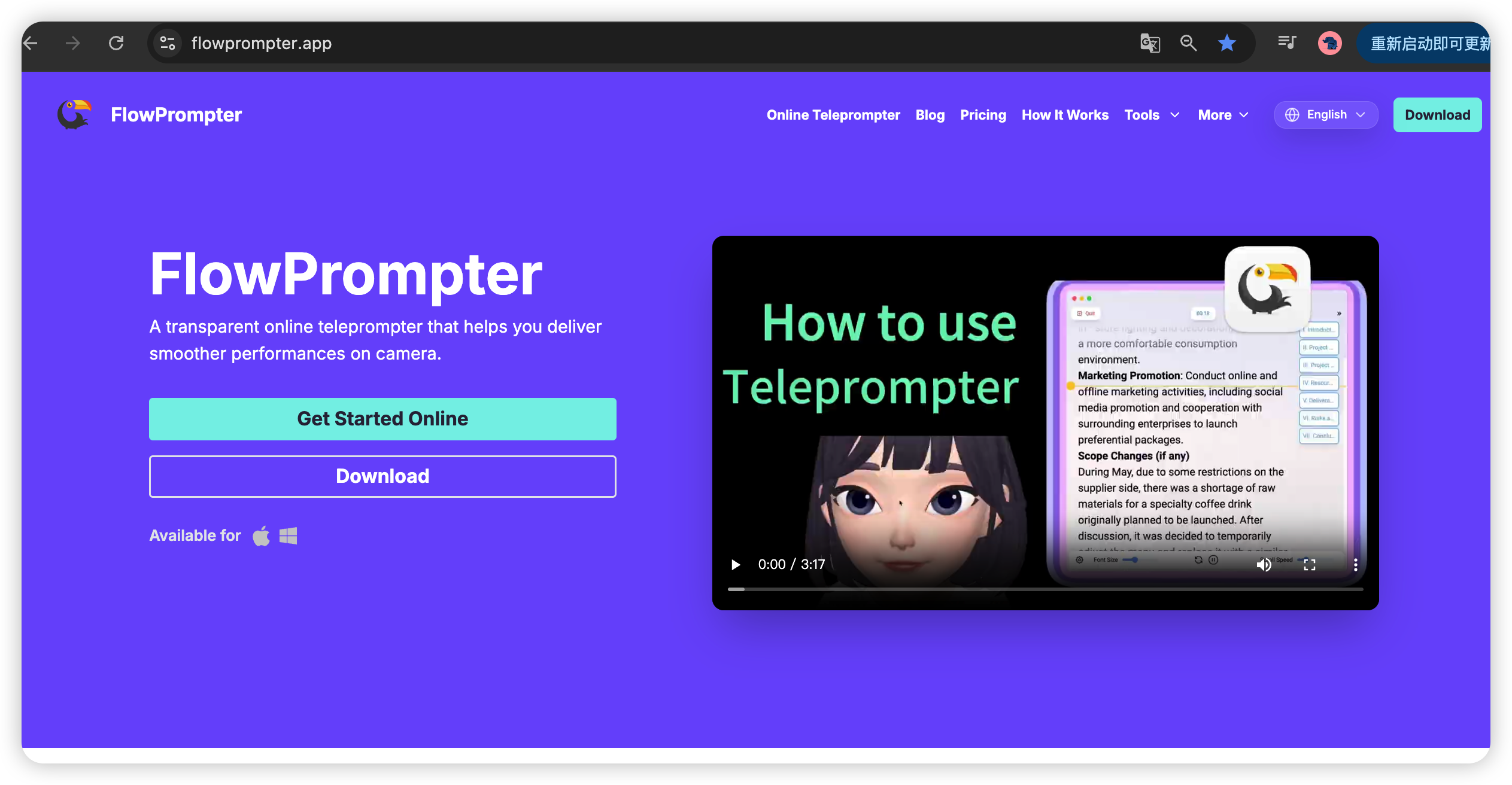
This cloud-based approach means your scripts are automatically synced across devices. Start drafting on your laptop, continue on your tablet, and present from your desktop – all without file transfers.
2. Moveable Teleprompter: Position It Your Way
Every recording setup is different. That's why FlowPrompter offers a moveable teleprompter that you can position exactly where you need it.
Whether you prefer it in the center, corner, or custom location, our teleprompter stays where you put it. Lock the position to prevent accidental movements during recording.
6. Adjustable Speed Teleprompter: Match Your Natural Pacing
Reading speed varies from person to person and script to script. FlowPrompter's adjustable speed teleprompter gives you granular control over scrolling speed.
Choose from preset speeds or fine-tune to your exact preference. The scrolling is smooth and stutter-free, ensuring your delivery sounds natural, not rushed.
Why Choose FlowPrompter?
FlowPrompter combines all six of these essential features into one powerful, user-friendly platform. Whether you're recording tutorials, hosting webinars, or creating vlogs, our teleprompter adapts to your needs.
Ready to Transform Your Video Production?
Visit https://flowprompter.app/ to get started with FlowPrompter today. Experience the difference that professional teleprompter features can make in your content.
With transparent overlays, screen sharing capabilities, Windows optimization, web-based accessibility, moveable positioning, and adjustable scrolling speed, FlowPrompter has everything you need to create polished, professional videos effortlessly.