Are you tired of awkward video takes where you're constantly looking at your script? When screen sharing for recording or live streaming, do you struggle to read your notes without completely blocking your presentation or software interface?
You're not alone. Many content creators face this exact challenge. That's why we created FlowPrompter - a transparent teleprompter designed specifically for modern content creation needs.

What Makes FlowPrompter Different?
Unlike traditional teleprompters that block your entire screen with an opaque interface, FlowPrompter offers a revolutionary transparent teleprompter experience. Let's explore what sets it apart.
1. Crystal-Clear Transparency
FlowPrompter's signature transparent interface allows you to see your presentation, notes, or any application behind your teleprompter text. Adjust the transparency level from completely invisible to fully visible based on your needs. This means you can maintain eye contact with your camera while referencing your script - a game-changer for professional recordings.

2. Moveable & Positionable Anywhere
Forget about fixed-position teleprompters that only work in one spot. FlowPrompter is a fully moveable teleprompter that you can drag to any corner of your screen. Whether you're screen sharing a full application or just a small window, position your script exactly where you need it without obstructing important content.
3. Adjustable Scroll Speeds for Any Rhythm
Everyone speaks at their own pace. FlowPrompter's adjustable speed teleprompter feature lets you customize scroll speeds from slow to fast. Use keyboard shortcuts, mouse wheel, or even voice control to adjust the scrolling in real-time. Practice your script at your natural rhythm, then switch to production speed when you're ready.
4. Cross-Platform: Windows, Mac, iOS, Android & Web
FlowPrompter isn't limited to just one device. Whether you prefer working on Windows, using a Mac, recording on mobile, or need a quick web-based solution, FlowPrompter has you covered. Your scripts sync across all platforms, so you can start on your desktop and continue on your phone without missing a beat.
Why Content Creators Love FlowPrompter
1. Perfect for Screen Sharing
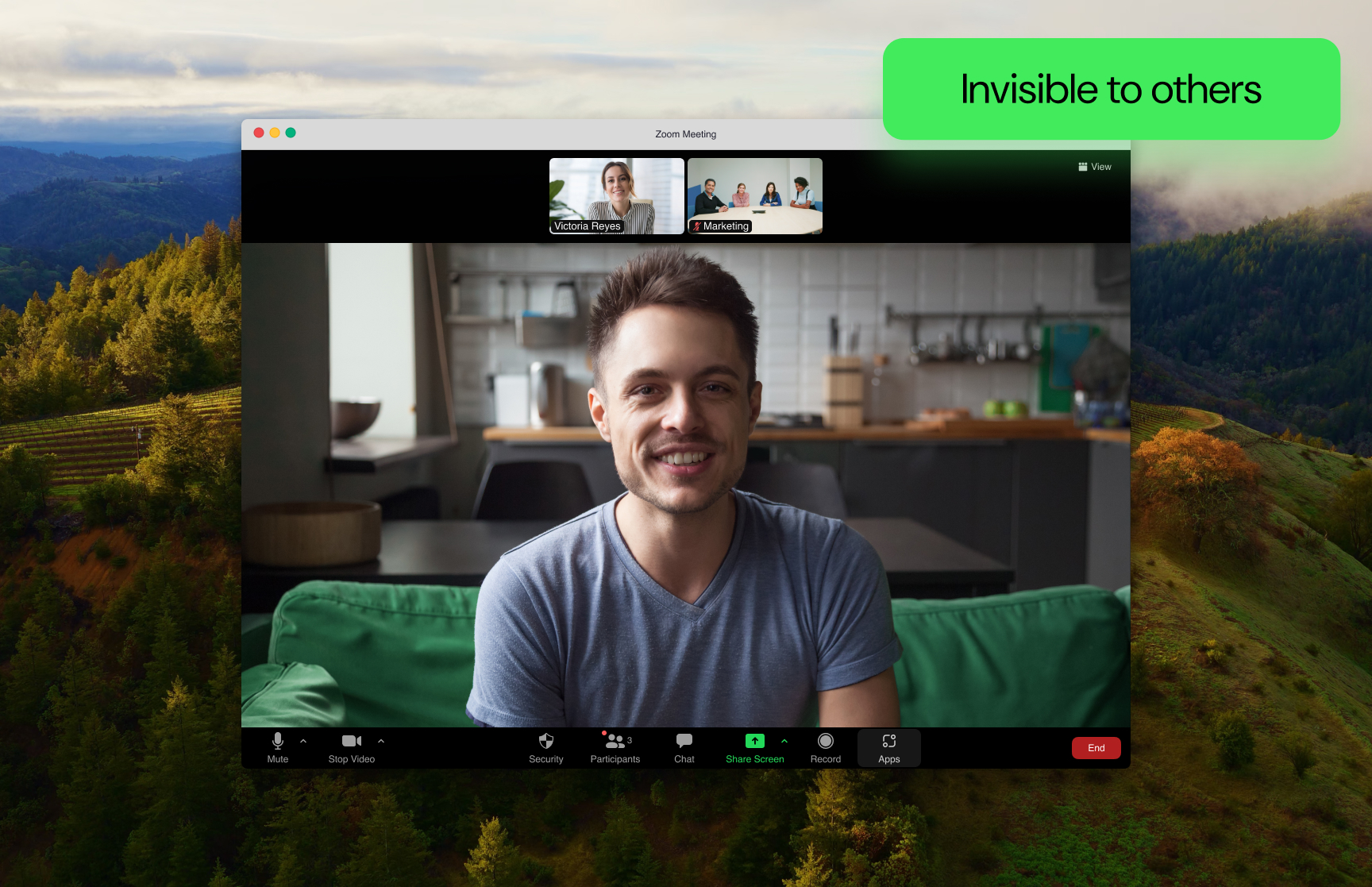
When you're sharing your screen during Zoom meetings, Teams calls, or OBS streams, the last thing you want is for your teleprompter to be visible to participants. FlowPrompter's transparent teleprompter stays visible only to you - invisible to your audience and screenshots. Focus on your delivery while keeping your script right in front of you.
2. Ideal for YouTube Shorts & TikTok
Short-form content requires precision. Every second matters when you're creating 15 or 60-second videos. FlowPrompter's adjustable speed teleprompter helps you nail your timing perfectly. No more rushing through lines or awkward pauses - just smooth, confident delivery that matches your content's pace.
3. Essential for Online Courses & Tutorials
Teaching while screen sharing multiple applications is challenging. FlowPrompter's moveable interface lets you position your teleprompter in a corner while you demonstrate software on the rest of your screen. Students can see your clearly, you can reference your notes, and everyone wins.
4. Game-Changer for Live Streams & Podcasts
Live content demands authenticity. Reading from a visible script destroys viewer trust. FlowPrompter keeps your prompts private while still being readable to you. Engage naturally with your audience while maintaining your perfect delivery every time.
Real Use Cases: How Creators Use FlowPrompter
1. Software Demo Recordings
Software trainers and product marketers need to demonstrate complex features while explaining clearly. FlowPrompter's transparent teleprompter allows them to read detailed scripts while operating applications in the background. The result? Professional, polished demo videos that convert better.
2. Live Streaming & Webinars
Whether you're launching products on Zoom, teaching on Google Meet, or hosting webinars, FlowPrompter ensures you never lose your place. Keep your audience engaged with smooth delivery while maintaining eye contact - even when screen sharing multiple applications.
3. Online Course Creation
Creating educational content requires structure and confidence. Practice your scripts with FlowPrompter before recording, adjust your timing, and deliver professional course content that students love. The teleprompter that adapts to your teaching style.
FlowPrompter vs Traditional Teleprompters: A Clear Winner
Why FlowPrompter is Perfect for Modern Content Creation
Invisible to Your Audience: During screen sharing or recording, your teleprompter stays hidden from viewers - professional and polished.
Complete Flexibility: Move your teleprompter anywhere on screen. Resize, reposition, and adjust transparency on the fly.
Customizable Scrolling: Multiple speed options, manual control, voice commands - adapt to your natural speaking pace.
Works Everywhere: Native apps for Windows, Mac, iOS, Android, plus instant web-based access when you need it.
Zero Learning Curve: Intuitive design means you're up and running in minutes, not hours.
Getting Started with FlowPrompter
Quick Start Guide
Visit FlowPrompter: Open https://flowprompter.app in your browser
Choose Your Platform:
Download Windows or Mac application for full features
Use web-based version instantly - no download needed
Get iOS or Android app for mobile recording
Paste or Type Your Script: Import existing notes or write directly in FlowPrompter's editor
Adjust Your Settings:
Set transparency level based on your background
Choose scroll speed that matches your speaking pace
Customize font size and style for readability
Start Creating: Drag your teleprompter to the perfect position and begin recording with confidence
Pro Tips for Better Results
1. Practice Before Recording
Use FlowPrompter to rehearse your script multiple times at different speeds. Find your natural rhythm before going live - this makes your delivery sound more authentic and less rehearsed.
2. Optimize Transparency for Your Background
Test different transparency levels with your actual presentation background. Ensure your script is clearly readable to you while not blocking important visual elements for your audience.
3. Use Keyboard Shortcuts for Speed Control
Master FlowPrompter's keyboard shortcuts for real-time speed adjustment during recording. Space bar to pause, arrow keys for manual scrolling, plus/minus for speed - full control without taking your eyes off the camera.
4. Leverage Multi-Device Sync
Write your script on your desktop, sync to your phone for mobile recording, or vice versa. Your content follows you wherever you create, making workflow seamless across all your devices.
What Users Say About FlowPrompter
"I've tried dozens of teleprompter apps, but FlowPrompter is the only one that actually works during screen sharing. My audience can't see it, but I can still read my notes perfectly. It's completely transformed my YouTube recording process."
— Tech Content Creator, Sarah M.
"As someone who teaches online courses, I need to demonstrate software while explaining concepts. FlowPrompter's moveable transparent interface lets me position my teleprompter where it doesn't block my demo. My students can see the clearly, and I can reference my notes - perfect for educational content."
— Online Course Instructor, David K.
Ready to Elevate Your Content?
Join thousands of content creators who have discovered the power of FlowPrompter's transparent teleprompter technology. Whether you're creating YouTube Shorts, teaching online courses, streaming live, or recording software demos - FlowPrompter is designed to make you look more confident, professional, and prepared.
Start using FlowPrompter today and experience the difference that a truly transparent, moveable, and adjustable teleprompter makes.
Try it FREE: https://flowprompter.app
Available Platforms:
Windows Application - Download for full features
Mac Application - Native macOS experience
Web-Based Version - Use instantly in any browser
Keywords: transparent teleprompter, screen sharing teleprompter, Windows teleprompter, web-based teleprompter, moveable teleprompter, adjustable speed teleprompter, teleprompter
Related Topics: content creation, video recording, screen sharing, YouTube Shorts, TikTok, online courses, live streaming, tutorial creation, teleprompter app